Is WhatsApp Safe for Kids? A Parent's Guide
WhatsApp is safe for a child only when a parent decides who can write, what the app shows and when it is open. Out of the box, anyone with the number can write, groups and invite links pull a child into large chats, and Status and Channels bring in other people's pictures. WhatsApp's terms set the minimum age at 13. Below 13, or without a setup a parent controls, most families wait.
Why the question comes up at all
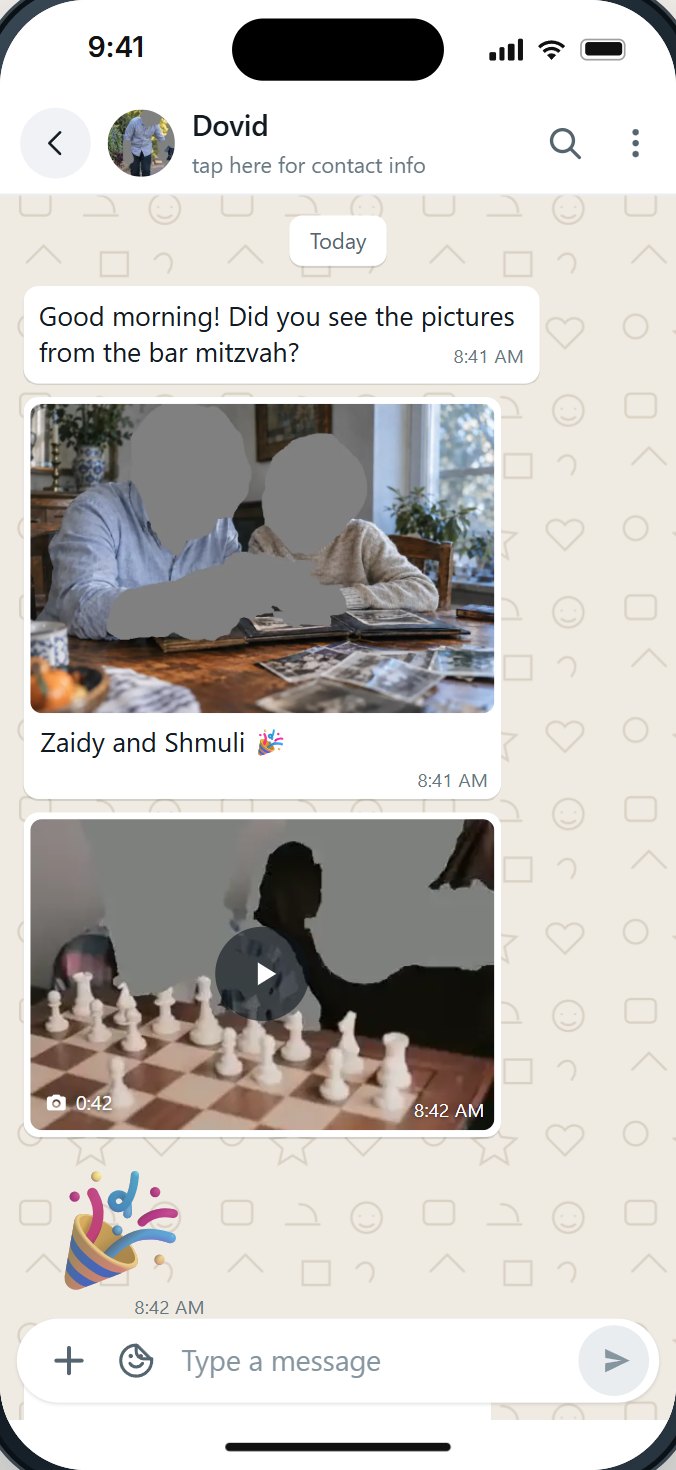
Most parents do not go looking for WhatsApp. It comes to them. The class has a group, the parents have a group, the camp has a group, and grandparents abroad send pictures there. A child without WhatsApp can miss the plan for Sunday, the change of room, the game after school.
The numbers explain why. Pew Research Center found that about a quarter of American teens (24%) used WhatsApp in 2025, and 32% of American adults did. In many Jewish communities the share is far higher, because WhatsApp is where schools, shuls and families talk. When we read hundreds of public comments about kosher phones, WhatsApp was the single most discussed app, and parents described being caught between "my kids' school is on it" and "it is one of the biggest problems for me".
So the useful question is rarely "WhatsApp, yes or no?" It is "which WhatsApp, for this child, at this age?"
What the age rules say
- WhatsApp's own minimum is 13. WhatsApp's Terms of Service say: "You must be at least 13 years old to register for and use our Services on your own", or older where a country requires it.
- Younger children: a parent-managed account, where offered. The same terms say that if you are under the minimum age, "your parent or guardian can create a parent-managed account for you" where that is available, and the parent is responsible for the child's activity.
- An age rule is not a safety rule. A 13-year-old with an open WhatsApp meets the same Status, Channels and strangers as an adult. Age tells you when WhatsApp allows a child; it does not tell you what the child will see.
What a child actually meets on WhatsApp
Most of what worries parents is not the chat with Bubby. It is everything around it.
| Part | What it is | Why parents ask about it |
|---|---|---|
| Chats | One-to-one messages | Anyone with the number can start one. |
| Groups | Chats with many people | A child can be added, or join from a link. Large groups mean many strangers. |
| Status | Photos and videos contacts post for others to watch | Other people's pictures, one tap from the chats. |
| Channels | Public broadcasts anyone can follow | Posts from people the family never chose, with a directory that suggests more. |
| Communities | Groups of groups | A way to land in chats with hundreds of people. |
| The AI chat button | Meta's assistant, Meta AI | Some families do not want a chat robot for a child. |
| Forwards | Messages passed along from chat to chat | Much unwanted material travels as a forward, often from people nobody knows. |
| Read receipts | The blue ticks | Pressure to answer at once, even late at night. |

What you can set yourself, today
Every family should do these, whatever else they choose. They are free.
- Groups: My Contacts. In WhatsApp, Settings, Privacy, Groups. WhatsApp added this choice in 2019. When someone outside your contacts tries to add the child, they are asked to send a private invite, which expires after three days if it is not accepted.
- Who sees the child's own posts. Set last seen, profile photo, about and Status to My Contacts. This protects the child's privacy; it does not stop the child from seeing other people's posts.
- A Screen Time limit on WhatsApp. On the iPhone, Screen Time can set a daily limit for the app and keep it closed during a Screen Time Schedule (Downtime in iOS 26 and earlier). Turn on blocking at the end of the limit: Apple notes that, by default, Screen Time limits can be ignored once reached.
- Keep the Screen Time passcode yourself. Whoever knows it can change everything.
- Agree on the rules in advance. Which groups, which hours, what to do when a stranger writes, and that the phone stays out of the bedroom at night.
What WhatsApp and the iPhone cannot do for a child
Here is where many parents are surprised.
- Apple's "who can my child talk to" does not reach WhatsApp. Apple's own page says Allowed Contacts lets you choose who your child communicates with "in Messages, FaceTime, and Phone". WhatsApp is not on that list.
- We found no setting in WhatsApp that removes Status, Channels or Communities. The privacy settings decide who sees the child's own posts.
- There is no approved-people list in WhatsApp. You can block a number, but only after it has written.
- There is no way, in WhatsApp itself, to keep forwarded videos out, or to close WhatsApp for Shabbos.
- Anything set inside WhatsApp can be changed by whoever holds the phone.
That gap is why families who need WhatsApp for a child look at a setup that a parent controls from outside the phone.
A first WhatsApp, step by step
Here is a plan many families can start from. Change the ages and the steps to fit your home.
| Step | Who can write | What WhatsApp shows | Time |
|---|---|---|---|
| 1. Family only | Parents, siblings, grandparents | Messages and voice notes; no pictures or videos | Set hours, closed at night and on Shabbos |
| 2. Class and school | Add the class group and the school's groups | Pictures shaded; videos wait for a tap | A daily limit |
| 3. Approved friends | Friends the parent approves, one by one | Forwards stay off | The same limit, reviewed together |
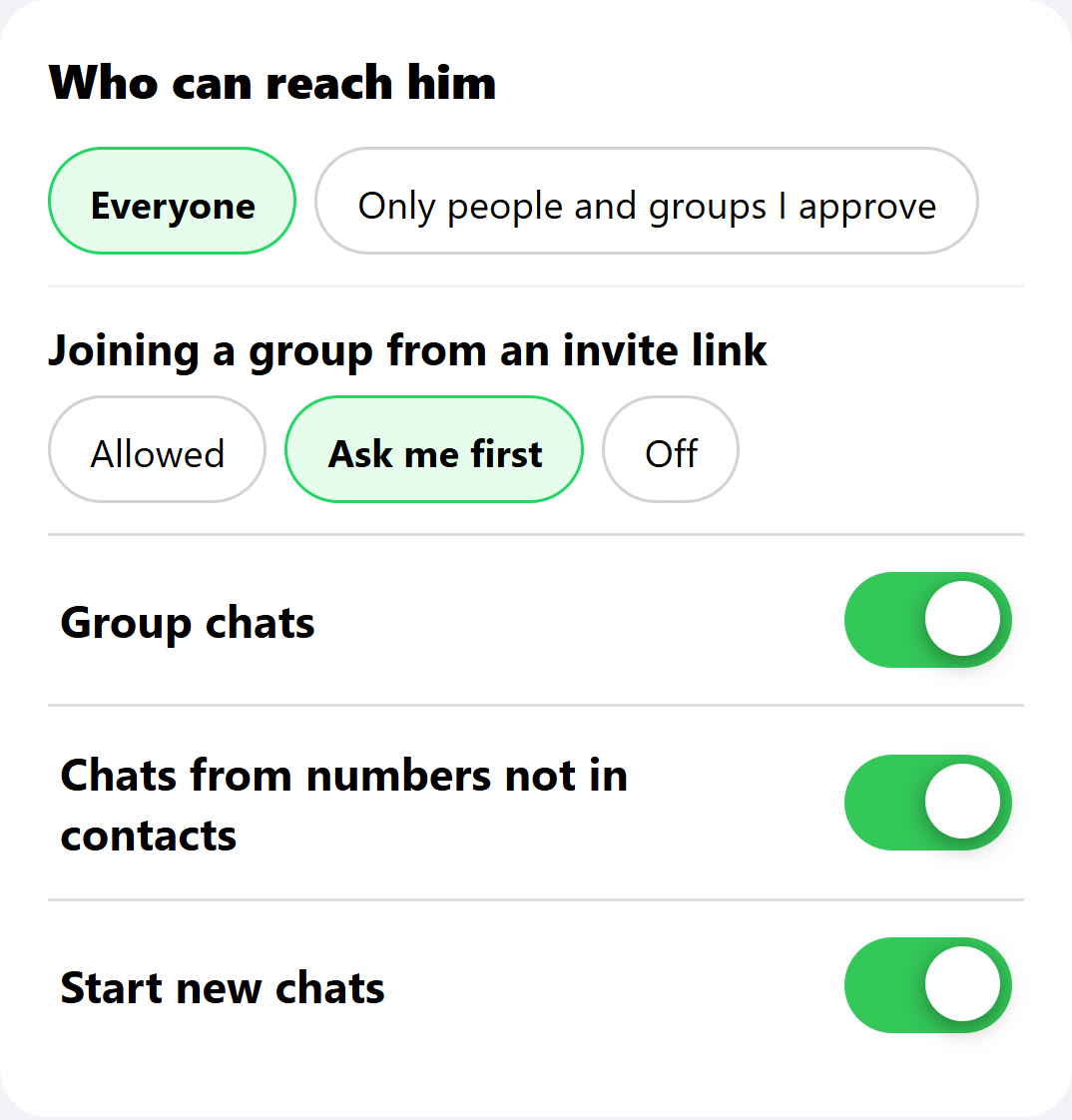
| 4. More open | Everyone may write; groups and invite links ask first | Still no Status, Channels or Communities | Hours the child helps choose |
Two rules make any plan work. First, a step forward is a decision made together, not a setting that quietly changed. Second, the child knows what to do when something goes wrong: show a parent, without fear of losing the phone.
The conversation that matters more than any setting
No setting replaces what a child hears at home. The families who describe success talk about three things.
- Why. Not "because I said so", but what the family is protecting, and why it matters to you.
- What to do. A stranger writes, a group turns cruel, a forwarded video is upsetting: the child knows to come to you.
- What comes next. The child knows the next step exists and what earns it.
And one thing for the parents themselves: children notice how adults use WhatsApp. A phone face-down at the Shabbos table teaches more than any rule.
Questions people ask
What age is WhatsApp for?
WhatsApp's terms say 13 to use it on your own, or older where a country requires it. For a younger child, they say a parent or guardian can create a parent-managed account where that is offered.
Is WhatsApp safe for an 11 or 12 year old?
Not on its own. At that age most families either wait or use a setup where the parent chooses who can write and what the app shows. The class group is a good reason for WhatsApp; it is not a reason for all of WhatsApp.
Can strangers message my child on WhatsApp?
Yes, anyone with the number can, unless the setup keeps a list of approved people. WhatsApp's own settings let you block a number only after it has written.
Can I see my child's WhatsApp messages?
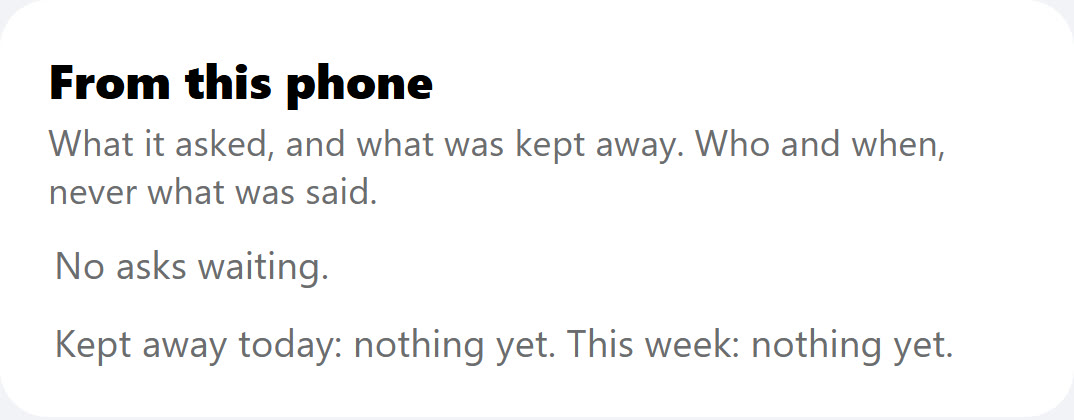
Not from WhatsApp's own settings on another phone. Many families decide they do not want to: they want to know what was asked for and kept away, not read every message. Decide what your family wants first, and tell your child.
Can my child use WhatsApp only for the class group?
With a setup that keeps a list of approved people and groups, yes. With WhatsApp's own settings, no: anyone with the number can still write.
Can I turn off Status and Channels for my child?
We found no switch for that inside WhatsApp. A setup a parent controls from outside the app can close them.
Does Screen Time work on WhatsApp?
Screen Time can limit how long WhatsApp is open and close it on a schedule. It cannot choose who writes or which parts of WhatsApp show, and Apple's allowed contacts do not cover WhatsApp.
What about WhatsApp on an iPad?
The same questions apply on any device that runs WhatsApp. A WhatsApp account linked to an iPad can show the same chats, groups and Status as the phone.
Sources
- WhatsApp, Terms of Service: the minimum age of 13 and parent-managed accounts.
- WhatsApp Blog, New privacy settings for groups (April 3, 2019, updated November 5, 2019).
- WhatsApp Blog, WhatsApp Channels are going global (September 13, 2023).
- WhatsApp Blog, Communities now available (November 3, 2022).
- Apple, Set up parental controls to manage your child's iPhone or iPad (iOS 27): Allowed Contacts in "Messages, FaceTime, and Phone".
- Apple, Set schedules with Screen Time (iPhone User Guide): limits can be ignored once reached by default.
- Pew Research Center, Teens, Social Media and AI Chatbots 2025: 24% of US teens use WhatsApp.
- Pew Research Center, Social Media Fact Sheet (2025): 32% of US adults use WhatsApp.
- Imamother forum, Kosher phone with WhatsApp? (2023-2024) and a 2025 thread on kosher phones.