WhatsApp Parental Controls on iPhone: What Exists and What Doesn't
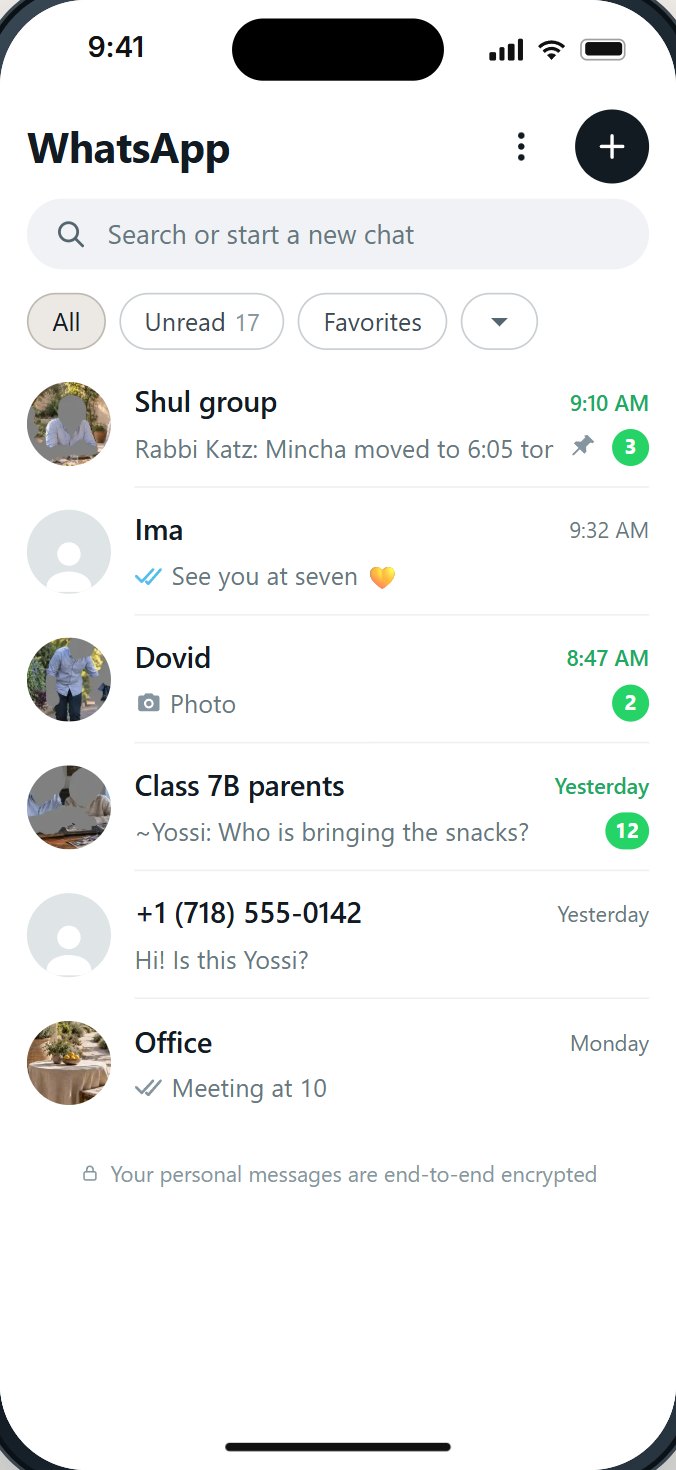
WhatsApp has privacy settings, not parental controls. They protect the person using the phone: who can add them to groups, who sees their photo and Status. On an iPhone, Apple's Screen Time can limit how long WhatsApp is open, but it cannot choose who writes or which parts of WhatsApp show. To control those, a parent needs a setup from outside WhatsApp.
The short answer, in a table
People search for "WhatsApp parental controls" expecting a switch like the ones in YouTube or the App Store. There isn't one inside WhatsApp. Here is what each layer can and cannot do, so you can see the gap at a glance.
| What a parent wants | WhatsApp's settings | iPhone Screen Time | A setup a parent controls |
|---|---|---|---|
| Limit how long WhatsApp is open | No | Yes, a daily app limit | Yes |
| Close WhatsApp at night | No | Yes, with a Screen Time Schedule | Yes |
| Close WhatsApp for Shabbos and Yom Tov | No | Only by a schedule you set each week | Ask the service |
| Choose who may write | No (block after they write) | No (Allowed Contacts covers Messages, FaceTime and Phone) | Ask the service |
| Stop being added to groups | Partly: My Contacts | No | Ask the service |
| Close Status and Channels | No | No | Ask the service |
| Keep forwarded videos out | No | No | Ask the service |
| Stop changes by the child | No: the child holds the settings | Yes, with a passcode the parent keeps | Ask who can change it |
"Ask the service" is deliberate: services differ, and a good one will show you each answer on a real phone before you pay.
What WhatsApp's own settings do
WhatsApp's privacy settings are real and every family should use them. They were designed for the person holding the phone.
- Groups. Settings, Privacy, Groups: Everyone, My Contacts, or My Contacts Except. WhatsApp added this in 2019. When someone outside the allowed list tries to add you, they are asked to send a private invite instead, which expires after three days unless you accept it.
- Last seen, profile photo, about and Status. Who can see these about you.
- Read receipts. Whether others see the blue ticks.
- Blocking. One number at a time, once it has written.
Two points are easy to miss. These settings protect the child's own posts; they do not stop the child from watching other people's Status or following Channels. And because they live inside WhatsApp, whoever holds the phone can change them.
For children under 13, WhatsApp's terms say a parent or guardian can create a parent-managed account where that is offered, and that the parent is responsible for the child's activity. Ask what such an account lets you choose before relying on it.
What the iPhone's Screen Time does for WhatsApp
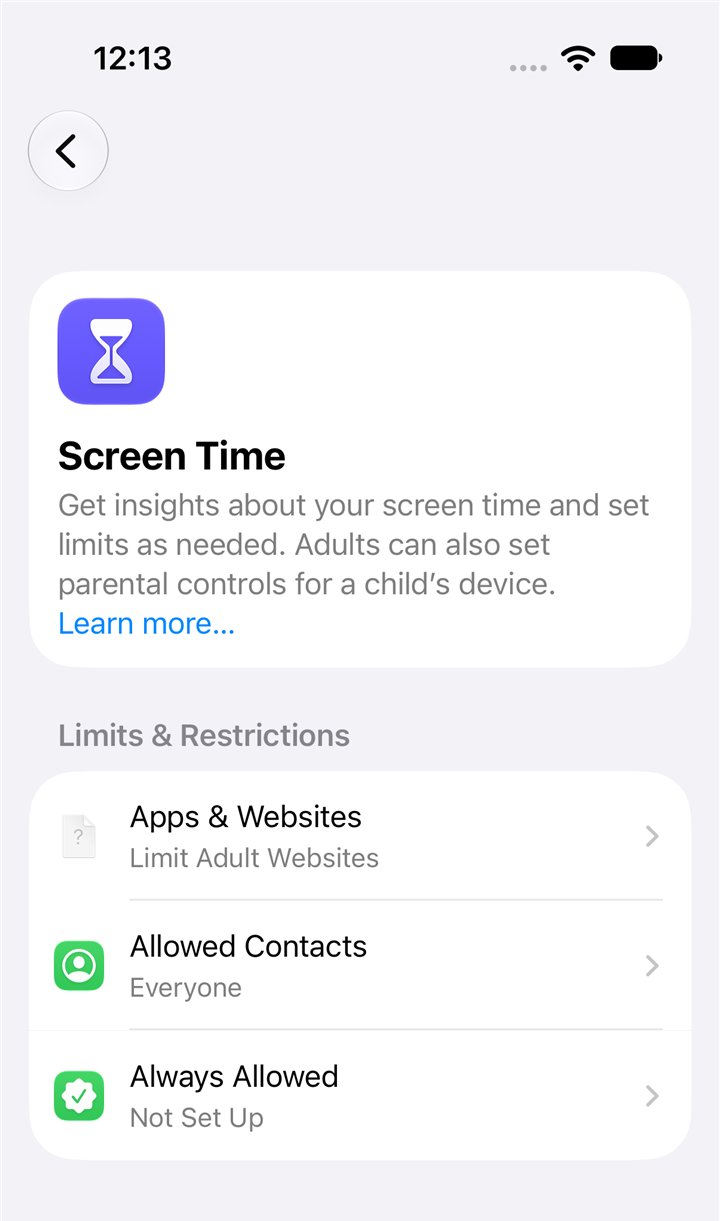
Apple's Screen Time works on WhatsApp the way it works on any app.
- Time Allowances (App Limits in iOS 26 and earlier). A daily time limit for WhatsApp, or for all social apps.
- Screen Time Schedules (Downtime in iOS 26 and earlier). Hours when only the apps you allow can open.
- Content and Privacy Restrictions. Whether new apps can be installed or deleted, which stops a child from removing and reinstalling WhatsApp.
- A Screen Time passcode. Keep it yourself. Apple notes that, by default, Screen Time limits can be ignored once reached; turn on blocking at the end of the limit.
What Screen Time does not do: look inside WhatsApp. Apple's own page says Allowed Contacts lets you choose who your child communicates with "in Messages, FaceTime, and Phone". WhatsApp has its own contacts and chats, which Screen Time does not choose.
What parents ask for that neither one does
When we read parents' questions about WhatsApp, the same wishes came back again and again. None of them is in WhatsApp's settings or Apple's.
- A list of the only people allowed to write. Not blocking strangers one by one after they write.
- Status and Channels gone from the child's WhatsApp, not just hidden from the child's own posts.
- Groups that wait for a parent's yes, especially groups joined from a link.
- No forwarded videos, or pictures shown in a way the family accepts.
- Closed for Shabbos and Yom Tov, by itself, every week.
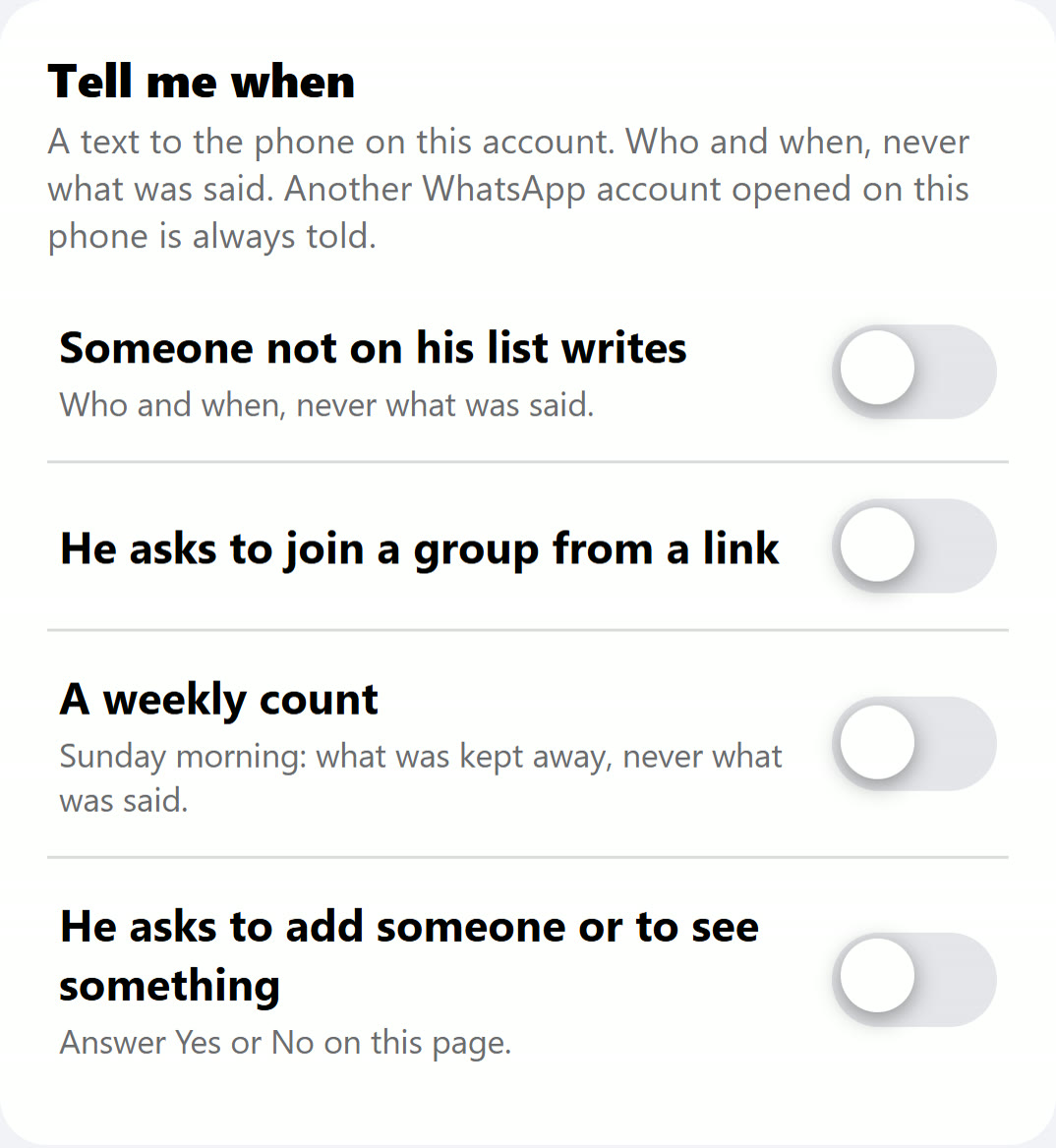
- A heads-up when the child asks for something new, without reading every message.
Set up what exists, step by step
Whatever else you choose, these take ten minutes and cost nothing.
- In WhatsApp: Settings, Privacy, Groups, choose My Contacts.
- In WhatsApp: Settings, Privacy, set Last seen, Profile photo, About and Status to My Contacts.
- On the iPhone: Settings, Screen Time, Time Allowances (App Limits in iOS 26): add a daily limit for WhatsApp, and turn on blocking at the end of the limit.
- On the iPhone: Screen Time, Schedules (Downtime in iOS 26): choose the hours, and decide whether WhatsApp is allowed during them.
- On the iPhone: Content and Privacy Restrictions: stop installing and deleting apps, so WhatsApp cannot be removed and reinstalled fresh.
- Set a Screen Time passcode that only you know.
- Sit down with your child and agree what happens when a stranger writes or a group goes wrong.
Four common mistakes
- Setting the child's privacy and stopping there. "My Contacts" for last seen and profile photo protects the child's own posts. It does nothing about what the child can open.
- Keeping the Screen Time passcode on the same phone. A passcode the child has seen, or one that matches the phone's own code, is not a lock.
- Forgetting to block at the end of the limit. Without it, a time limit is a reminder that can be dismissed.
- Changing everything at once. A child who loses WhatsApp overnight looks for a way around it. Small steps, agreed together, hold better.
When a parent needs more
For an adult, the steps above are often enough. For a child, most families find the gap in the table too wide: anyone can still write, Status and Channels are still there, forwards still arrive. That is when families look at a service.
Questions to ask any service, in writing, before you pay:
- Can I choose the only people and groups who may write? What happens when someone else writes?
- Can Status, Channels, Communities and the AI chat button be closed?
- Can pictures, videos and forwards each be set separately?
- Can WhatsApp close for Shabbos and Yom Tov by itself?
- Can my child change any of it, or open a second WhatsApp account?
- What do I see as a parent, and what don't I see?
Questions people ask
Does WhatsApp have parental controls?
Not in the usual sense. WhatsApp has privacy settings that protect the person using it. For children under 13, its terms mention parent-managed accounts where offered. A parent who wants to choose who writes and what shows needs a setup from outside WhatsApp.
Can Screen Time block WhatsApp?
Yes. Screen Time can limit WhatsApp's daily time, keep it closed on a schedule, or block it altogether. It cannot choose who writes or which parts of WhatsApp show.
Can I stop my child from being added to WhatsApp groups?
Partly. Set Groups to My Contacts: anyone else must send a private invite, which your child can still accept. To make groups wait for a parent, you need a setup a parent controls.
Can I block Status and Channels on my child's WhatsApp?
We found no switch for that in WhatsApp or in Screen Time. A setup a parent controls from outside WhatsApp can close them.
Can a parental control app read my child's WhatsApp on iPhone?
Be careful with any app that promises to read messages. Ask exactly what it can see, where the messages go, and whether you want that at all. Many families prefer to choose who can write and what shows, rather than read every chat.
How do I stop my child from changing WhatsApp's settings?
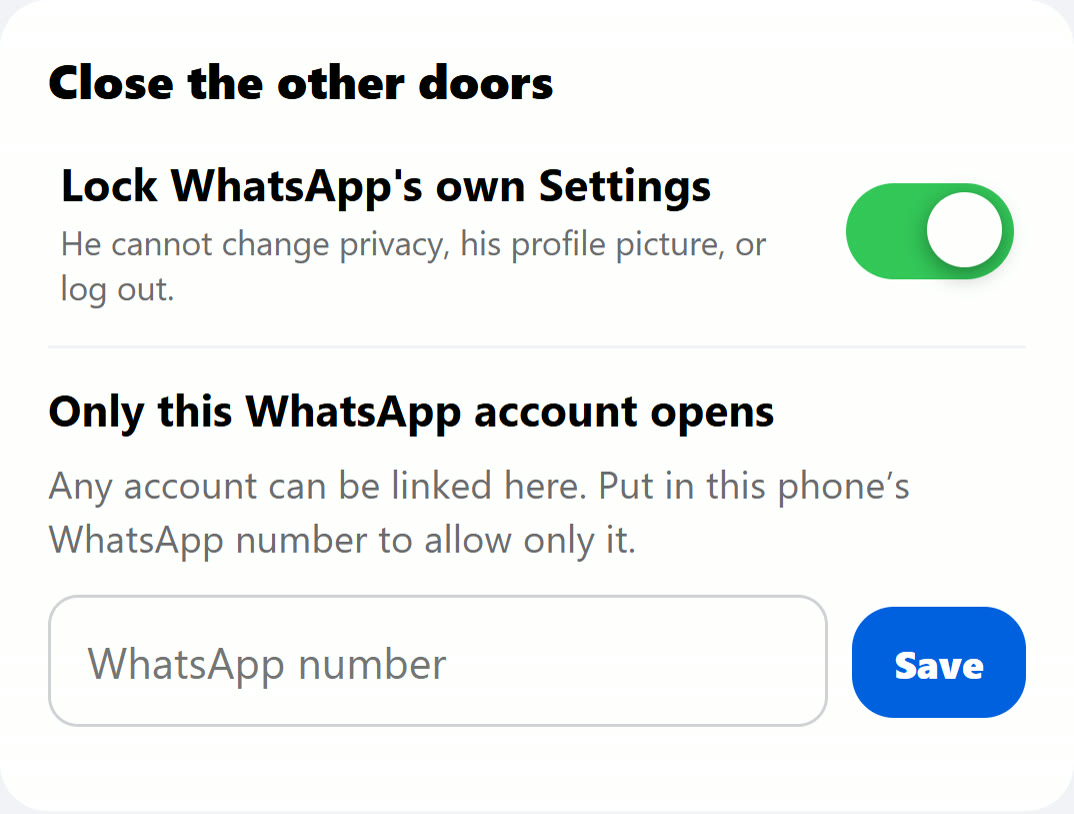
WhatsApp's own settings sit in the child's hands. Screen Time can stop the app being deleted and reinstalled. Locking WhatsApp's own Settings takes a setup a parent controls.
Is there a WhatsApp made for kids?
WhatsApp itself does not offer one beyond parent-managed accounts where available. HigherLife's Filtered WhatsApp is set by the parent and opens only what the parent allows.
Do these settings work on Android too?
WhatsApp's privacy settings are the same on Android. Screen Time is Apple's; Android has its own tools. HigherLife is for iPhone.
Sources
- WhatsApp Blog, New privacy settings for groups (April 3, 2019, updated November 5, 2019).
- WhatsApp, Terms of Service: the minimum age and parent-managed accounts.
- Apple, Set up parental controls to manage your child's iPhone or iPad (iOS 27): Allowed Contacts in "Messages, FaceTime, and Phone".
- Apple, Set schedules with Screen Time (iPhone User Guide): limits can be ignored once reached by default.
- Apple, Create, change, or remove a Screen Time passcode (iPhone User Guide).
- WhatsApp Blog, WhatsApp Channels are going global (September 13, 2023).
- Pew Research Center, Teens, Social Media and AI Chatbots 2025: 24% of US teens use WhatsApp.