WhatsApp Without Status, Channels and Meta AI: Is It Possible?
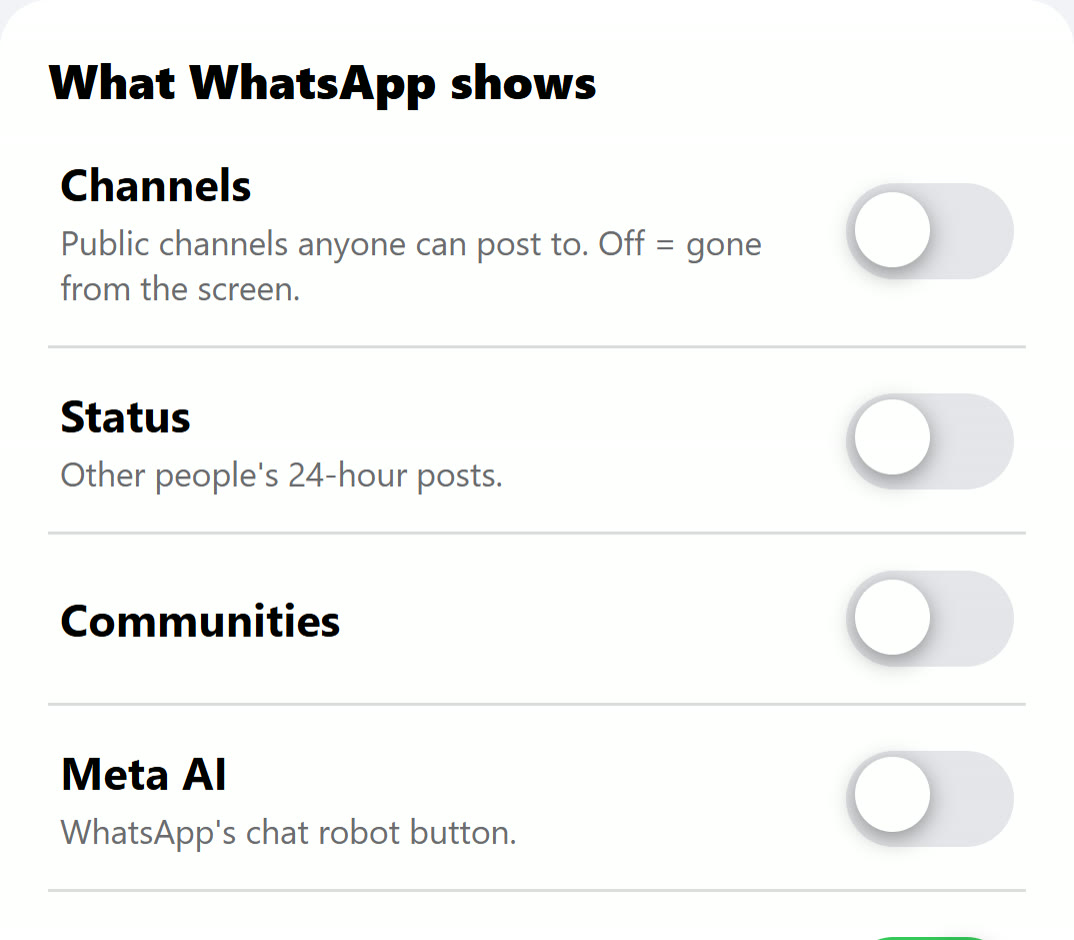
Yes, but not from inside WhatsApp. WhatsApp's own settings decide who sees your Status, not whether you see everyone else's, and we found no switch that removes Channels, Communities or the Meta AI button. People who want the chats without the feeds use a setup from outside the app, where each of the four can be turned off on its own and the chats stay exactly as they were.
The four parts, in plain words
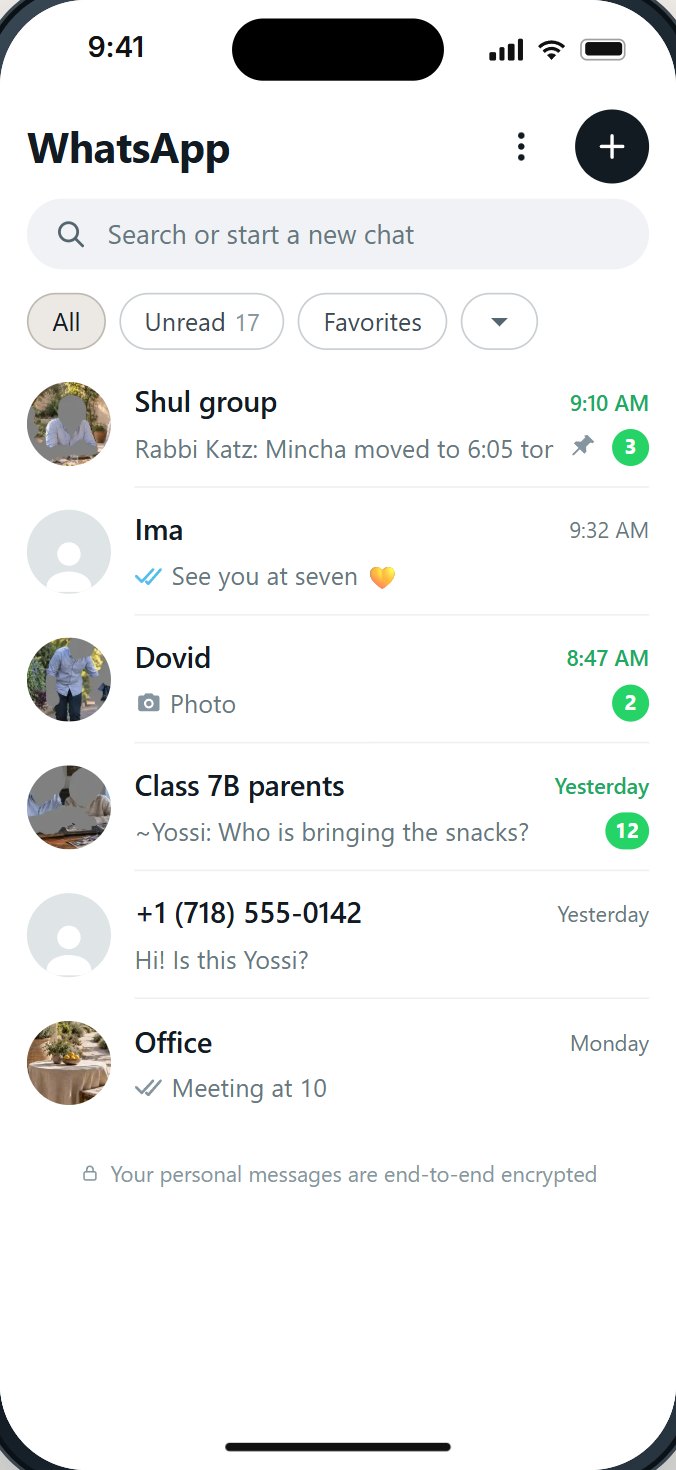
WhatsApp started as chats. Over the years it grew parts that bring in posts from beyond the people you talk to. In WhatsApp on an iPhone today, Status and Channels share the Updates tab beside your chats; Communities and the AI button sit close by.
| Part | What it is | Since |
|---|---|---|
| Status | Photos, videos and text your contacts post for others to watch. | Years ago; for many people it is the first thing they see on the Updates tab. |
| Channels | Public broadcasts from organizations, creators and anyone else, which you follow. They are kept separate from your chats, and a directory suggests more. | Opened in more than 150 countries on September 13, 2023. |
| Communities | Groups of groups, with an announcement group on top. | Rolling out worldwide from November 3, 2022. |
| Meta AI | Meta's AI assistant, built into WhatsApp as a chat and a button. | Part of WhatsApp now. |
Why people want WhatsApp without them
When we read hundreds of public comments about kosher phones, the same wish came back in many forms: WhatsApp for the people who matter, without the rest. Families need WhatsApp for the class group, the shul, the office and grandparents abroad. What they did not ask for is a feed of other people's pictures, or posts from channels nobody in the family chose.
- Status brings other people's photos and videos one tap from the chats, from everyone in the contact list, including people the family barely knows.
- Channels bring posts from strangers, and a directory that suggests more.
- Communities can put a child in announcement groups with hundreds of members.
- The AI button puts a chat robot in the pocket. Some adults are glad of it. Many parents would rather a child not have it.
This is not only about children. Plenty of adults want WhatsApp to be what it was: a way to talk to people they know.
What WhatsApp's settings change, and what they don't
WhatsApp has real privacy settings for each of these. They are worth setting. Here is what each one actually does.
- Status privacy (Settings, Privacy, Status) decides who sees your Status: My Contacts, My Contacts Except, or Only Share With. It does not hide anyone else's Status from you.
- Muting a contact's Status moves their posts down the list. They are still there.
- Channels: you can unfollow a channel. We found no setting that removes Channels or the directory from the app.
- Communities: you can leave one, and your group privacy setting (My Contacts) limits who can add you to groups. We found no setting that turns Communities off.
- Meta AI: you can archive or delete the chat. We found no setting that removes the button.
And everything set inside WhatsApp can be changed back by whoever holds the phone.

What people try, and how well it works
| Approach | What it does | What it leaves |
|---|---|---|
| Mute every Status | Pushes Status down the list | Status is still one tap away; new contacts are not muted |
| Unfollow every channel | Clears the list today | The directory still suggests more |
| Leave the Communities | Out of those groups | A new Community can arrive tomorrow |
| Archive the AI chat | Out of sight | The button stays |
| An older version of WhatsApp | Some extras may be missing | WhatsApp stops supporting old versions, and old versions miss security fixes; we do not recommend it |
| A setup from outside WhatsApp | Each extra can be turned off on its own | Ask who can turn it back on |
What "off" should mean
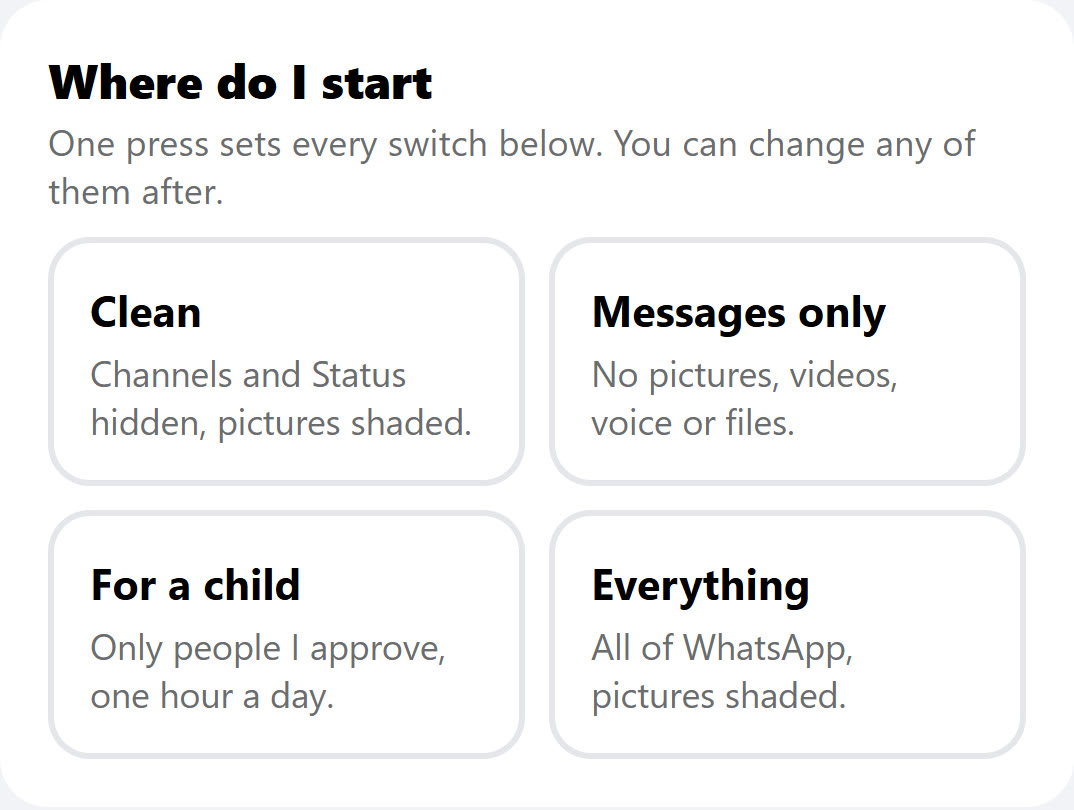
If you are comparing ways to get WhatsApp without the extras, here is what a good "off" looks like. Ask to see each one on a real phone.
- Gone from the screen, not just muted. No tab, no button, no suggestion.
- The chats untouched. Family, school and work groups exactly as they were, with their history.
- Each one separate. Some families keep Communities for the school and close the rest. That should be possible.
- Stays off. The person holding the phone cannot turn it back on, or open a second WhatsApp account to get around it.
- Links and forwards thought through. A link in a chat can open a channel. Forwards from channels arrive in chats. Ask what happens to both.
Your own phone, not only a child's
Many of the people who ask for WhatsApp without the extras are adults asking for themselves. The reasons they give are practical.
- Time. Status and Channels are built to be opened again and again. A WhatsApp with chats only is a WhatsApp you can close.
- What you see before you choose to see it. Other people's pictures arrive in Status whether you were looking for them or not.
- Keeping a standard on a hard day. A muted Status can be unmuted in a second. A setting someone else holds is harder to undo on impulse, which is exactly why some adults ask a spouse or a rav-recommended service to hold it.
If that is you, the same rule applies as for a child: decide what stays before you decide how. Write down the groups you need, the people you need, and what you want gone. Then set the phone to match, and ask for what you cannot set yourself.
Questions people ask
Can I use WhatsApp without Status?
You can stop others seeing yours and mute theirs. We found no WhatsApp setting that removes Status from your own screen. A setup from outside the app can turn it off.
How do I turn off WhatsApp Channels?
Inside WhatsApp you can unfollow channels, but we found no setting that removes Channels or the channel directory. Turning them off takes a setup from outside the app.
Are WhatsApp Channels safe for kids?
Channels are public broadcasts from anyone who runs one, with a directory that suggests more. Most parents who think about it close Channels on a child's phone.
Is Meta AI on WhatsApp safe for kids?
It is a chat with an AI assistant. Whether a child should have one is a family's choice. Many parents prefer a child's WhatsApp to be people only, which means removing the button.
Will turning these off delete my chats?
It should not. A good setup leaves every chat, group and its history exactly as it was. Ask to see it on a real phone first.
Can I keep Communities for the school and close the rest?
With a setup where each extra has its own switch, yes. Ask any service whether its switches are separate.
If Status is off, can others still see my Status?
Those are two different things. Your Status privacy setting decides who sees what you post. Turning Status off on your phone decides what you see. You can post nothing and see nothing, or set each separately.
Does WhatsApp Business have the same extras?
WhatsApp Business is built for shops and offices and carries its own features. Ask the same questions about it: who can write, what shows, and who can change it.
Sources
- WhatsApp Blog, WhatsApp Channels are going global (September 13, 2023): more than 150 countries; Channels "separate from your chats".
- WhatsApp Blog, Communities now available (November 3, 2022).
- WhatsApp Blog, New privacy settings for groups (April 3, 2019, updated November 5, 2019).
- WhatsApp, Terms of Service.
- Pew Research Center, Social Media Fact Sheet (2025): 32% of US adults use WhatsApp.
- Pew Research Center, Teens, Social Media and AI Chatbots 2025: 24% of US teens use WhatsApp; 64% of teens have used an AI chatbot.
- Imamother forum, Kosher phone with WhatsApp? (2023-2024).