Kosher YouTube: The Complete Guide
A kosher YouTube keeps the shiurim, the music and the how-to videos a family wants, and leaves out the endless feed. Only the channels you choose play, Shorts and the "up next" suggestions can be closed, and a word in a title can keep a video out. YouTube's own tools go part of the way; a setup a parent controls covers the rest.
What people mean by "kosher YouTube"
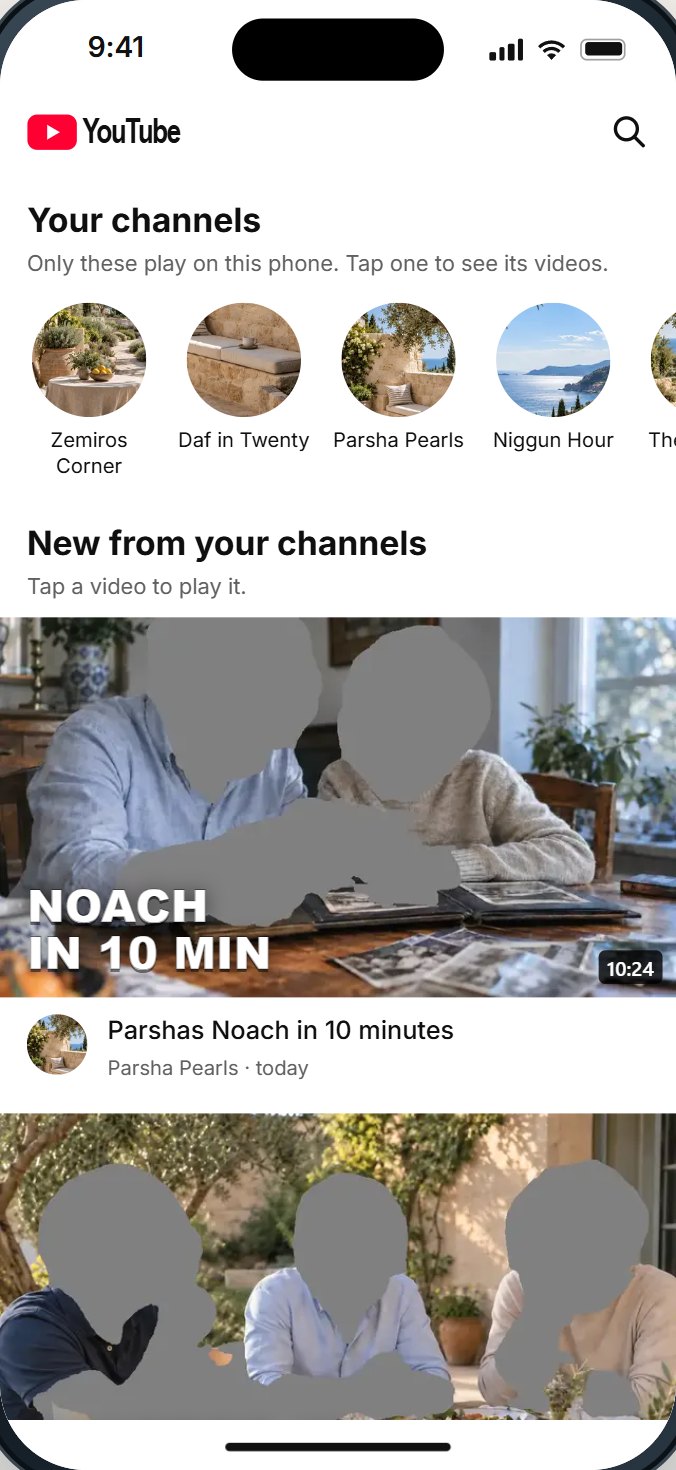
There is no kosher edition of YouTube. When families say "kosher YouTube", they mean YouTube shaped to their home: the Daf Yomi class, the parsha in ten minutes, the niggunim for Friday night, the video that shows how to fix the sink. Without the feed of suggestions, the short videos built to be watched one after another, the comments, and the channels nobody in the family chose.
Two things are worth saying clearly at the start.
- A kosher YouTube is not a hechsher. HigherLife is not a hechsher, and no setting makes a video kosher by itself. What your home, your school or your rav accepts is a question for them. This guide explains what can be set and what each choice keeps out.
- There is no one standard. A child who watches two channels, a bochur who wants shiurim only, and an adult who needs a how-to video now and then need different things.
Why YouTube is hard to give up, and hard to keep
YouTube is where much of today's Torah teaching lives. People ask for it in plain words: "Is there such a device that has Waze and shiurim and music?" (a mother on Imamother, 2025). "I occasionally want to see a youtube video for something." (Imamother, 2025). One woman with no YouTube described the half-way she lives with: "No YouTube but If an approved site has a YouTube video embedded on the page then I can see the video." (2022)
And YouTube is the most-used app among teenagers. Pew Research Center's 2025 survey of American teens found that roughly nine in ten have used YouTube, roughly three-quarters use it every day, and about one in five say they are on it "almost constantly".
The worry is not the shiur. It is what comes after it. One adult asked, on Apple's own developer forum, for a block "So that if I just get bored I can't simply disable it then go on YouTube and waste 2 hours of my life?" YouTube's home page, its suggestions beside every video, and its short videos are built to keep you watching. A kosher YouTube keeps the video you came for and closes the rest.
What YouTube's own tools do
YouTube offers four different tools, and they are easy to confuse.
- Restricted Mode. YouTube calls it "an optional setting" that "can help screen out potentially mature content", and says that "the quality may vary". When it is on, comments are hidden. It decides for you; you do not choose channels.
- YouTube Kids. A separate app YouTube launched in 2015, with content levels: Preschool (4 and under), Younger (5 to 8) and Older (9 to 12). Its "approve content yourself" setting means your child "can only watch videos, channels, and collections that you've handpicked", and cannot search. Parents can also block videos and channels.
- Accounts a parent manages. A Google account a parent manages, on regular YouTube, for children under 13 and for teens. Parents of these kid accounts can block channels, YouTube's family page says.
- A Shorts limit for teens. In January 2026 YouTube said parents who manage a teen's account can set a daily Shorts limit "ranging from two hours to zero minutes", with zero blocking Shorts altogether.
YouTube's own family page is frank that its automatic systems are not perfect and will sometimes get things wrong. And each tool covers one account or one app: a child who opens YouTube signed out, or on a different app, leaves the setting behind. YouTube's terms say users must be at least 13, and that "children of all ages may use the Service and YouTube Kids (where available) if enabled by a parent or legal guardian."
What the iPhone's settings do for YouTube
- Screen Time can limit the YouTube app's time, or block the app. It cannot look inside YouTube to choose channels or close Shorts.
- Screen Time's website settings can block youtube.com in Safari, but a blocked website and a blocked app are two separate settings, and YouTube videos also appear inside other websites and apps.
- Whoever knows the Screen Time passcode can change it. Apple notes that, by default, Screen Time limits can be ignored once reached.
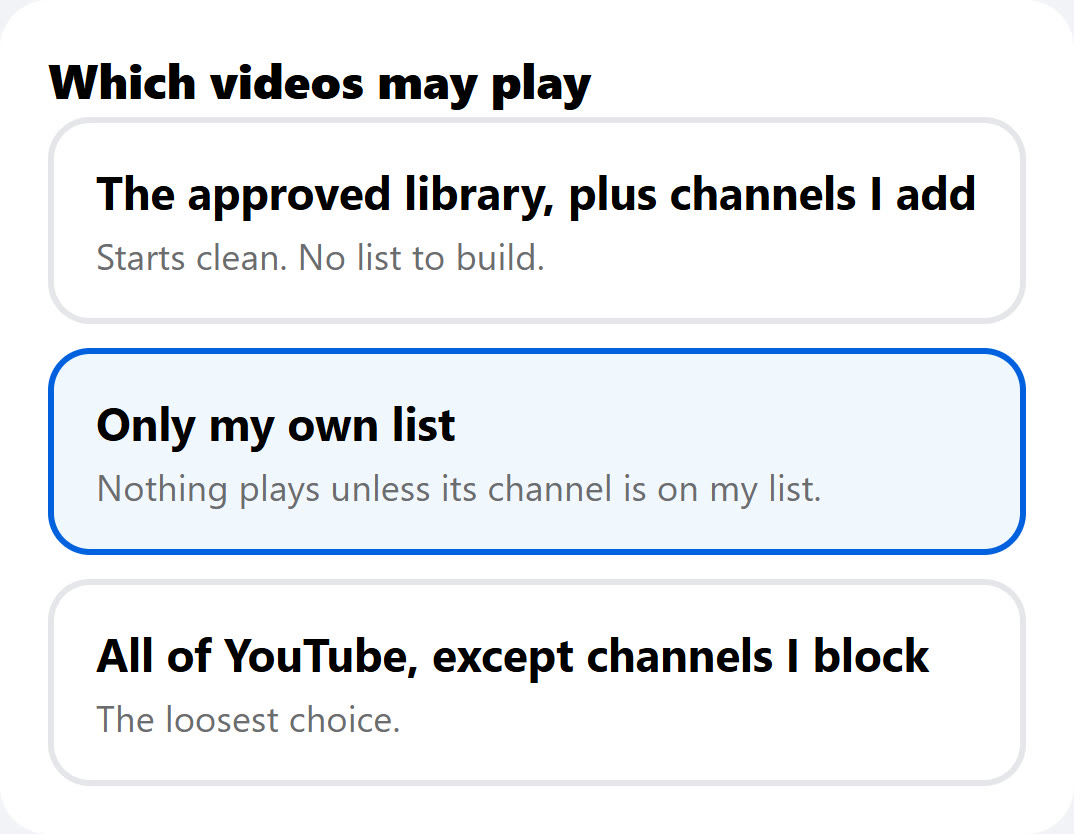
Three ways YouTube can look on a phone
- Only your own list. Nothing plays unless its channel is on your list, plus any single videos you allow. Best for young children and for anyone who wants YouTube for shiurim only.
- A checked library, plus your own channels. Torah classes and Jewish music someone has already checked, switched on in one press, with any channel you add yourself.
- All of YouTube, minus what you block. For adults: YouTube as it is, without the channels and the words in titles you choose to keep out.
Whichever you choose, the second set of questions is the same: does YouTube's home show a feed? Do Shorts play? Do suggestions appear beside each video? Are comments open? Can a video be watched with the picture dark, for a shiur you only want to hear?
The kosher YouTube checklist
Take this list to any store or service, or work through it yourself. A good answer is a plain yes or no, shown on a real phone.
| Ask | Why it matters |
|---|---|
| 1. Can I choose the only channels that play? | A list you choose is clearer than a rating someone else gives. |
| 2. Can I allow one video without its whole channel? | Sometimes one video is fine and the channel is not. |
| 3. Can I block a channel or a word in a title? | For older children and adults on more open settings. |
| 4. Can Shorts be closed? | Shorts are built to be watched one after another. |
| 5. Can the "up next" videos beside the one playing be closed? | That is where one video becomes two hours. |
| 6. What does YouTube's first screen show? | Best: your channels and their newest videos, not a feed. |
| 7. Can comments, live videos and links under a video be closed? | Each brings in what the video's maker did not choose. |
| 8. Can a shiur play with the picture dark? | Some families want to listen, not watch. |
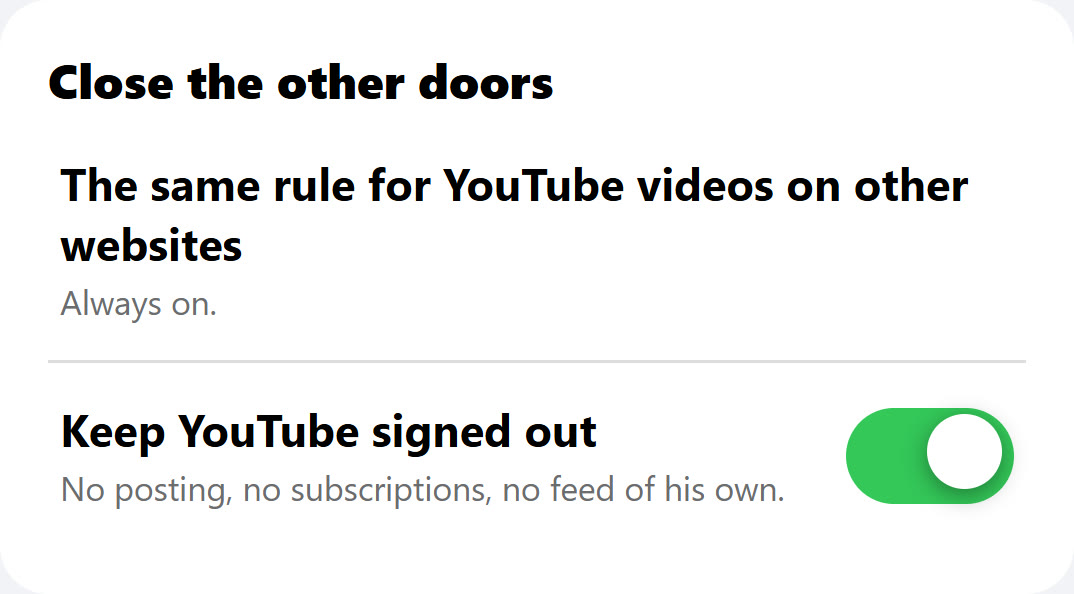
| 9. Do the same rules hold for YouTube videos inside other websites? | YouTube videos appear on news sites, school sites and more. |
| 10. Is YouTube kept signed out? | A signed-in account brings its own feed, posting and subscriptions. |
| 11. Can the person holding the phone change any of it? | If the settings live in the app, often yes. |
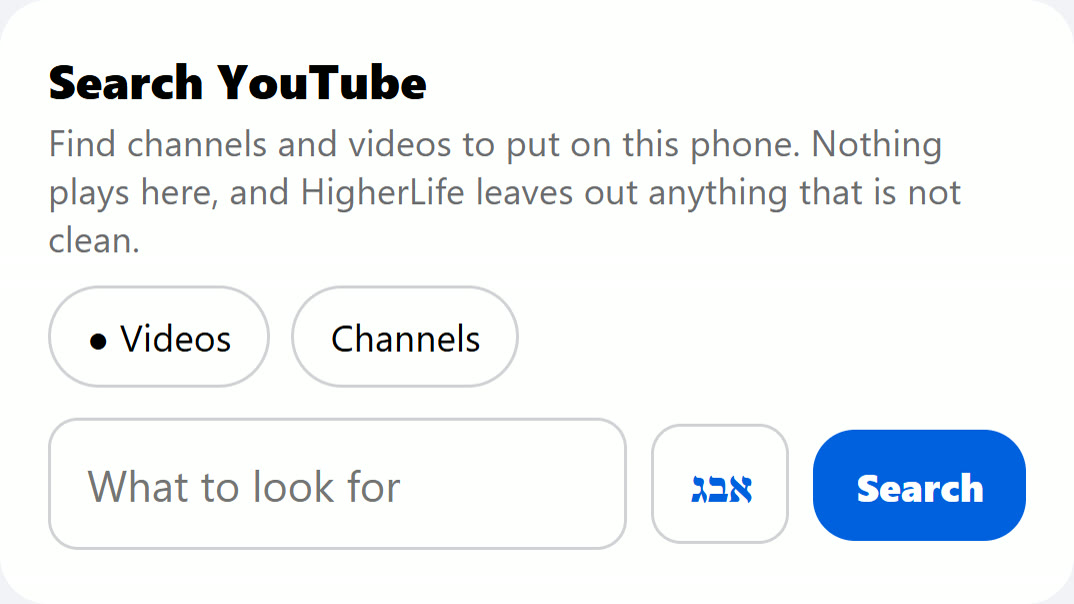
| 12. How do I find good channels to add? | A search that only shows what was already checked saves a parent hours. |
Which setting fits which person
| Who | Which videos play | What YouTube shows |
|---|---|---|
| A young child | Only your own list | No search, no Shorts, no suggestions, no comments |
| An older child or a bochur | The checked library plus your channels | Search inside what may play; no Shorts |
| An adult who wants shiurim only | Only your own list | Listen only, if you prefer |
| An adult who needs YouTube for life and work | All of YouTube, minus what you block | No Shorts; block words you never want to see |
How to build a good list of channels
For most families the list is the heart of a kosher YouTube. A few habits make it easier.
- Start from what your child already loves. The rebbe's shiur, the niggunim from the wedding, the science channel from school. A list that starts with real favorites is a list a child accepts.
- Watch three videos before you add a channel. One good video does not make a good channel. If you are unsure, allow the single video instead.
- Prefer channels to searches. A channel you checked stays the same channel. A search brings something new every day.
- Add slowly, remove quickly. A channel that changes can come off the list in one press, without a long conversation.
- Review the list together, now and then. As a child grows, the list should grow too. Asking "what would you add?" teaches more than any rule.
What no setting can do for you
- It cannot choose your channels for you. The best list is the one you build with your child.
- It cannot replace the conversation. Why some channels stay and others go matters more than the switch.
- It cannot answer halachic questions. Ask your rav what your home should keep, then set YouTube to match.
- It cannot be perfect. Ask what happens when something slips through, and who you call.
Questions people ask
Is there a kosher YouTube app?
YouTube does not make one. "Kosher YouTube" means YouTube set so only the channels and parts a family wants remain. HigherLife's own app for this is called Filtered YouTube.
Can I allow only certain YouTube channels?
In YouTube Kids, with "approve content yourself", yes. On regular YouTube, YouTube's own tools let parents who manage a child's account block channels rather than choose a short list. A setup a parent controls can play only the channels on your list.
Can I block YouTube Shorts?
For teen accounts a parent manages, YouTube lets parents set the daily Shorts limit to zero. For other accounts we found no switch that removes Shorts. A setup from outside the app can close them.
Is Restricted Mode enough?
YouTube itself calls it optional and says its quality may vary. It decides for you, and it does not close Shorts or suggestions. Many families use it as one layer, not the whole answer.
Can my child watch Torah classes on YouTube without the rest?
Yes, with a list of the channels you choose and the feed, Shorts and suggestions closed. That is the most common reason families keep YouTube at all.
What about YouTube videos on other websites?
YouTube videos are placed inside many websites. Ask any setup whether the same rules hold there; otherwise a closed channel can still play on another page.
Can YouTube play a shiur without the video?
YouTube's own background play and audio-only choices come with its paid plan. A setup with a "Listen only" choice keeps the picture dark while the sound plays.
What age is YouTube for?
YouTube's terms say users must be at least 13, and that children of all ages may use YouTube and YouTube Kids where available if a parent or guardian enables it.
Sources
- Pew Research Center, Teens, Social Media and AI Chatbots 2025 (survey of 1,458 US teens, September 25 to October 9, 2025): YouTube use, daily use, "almost constantly".
- YouTube Help, Turn Restricted Mode on or off: "an optional setting", "the quality may vary", comments hidden.
- YouTube Kids Help, Content settings: Preschool, Younger, Older, and approving content yourself.
- YouTube, YouTube for families: ages for each YouTube Kids level; blocking videos and channels; accounts a parent manages.
- YouTube Official Blog, February 2015 posts: introducing the YouTube Kids app (February 23, 2015).
- CNN, via KVIA, YouTube will let parents stop their teens from endlessly scrolling short videos (January 14, 2026).
- YouTube, Terms of Service: age requirements.
- Apple, Set schedules with Screen Time (iPhone User Guide).
- Imamother forum, a 2025 thread on a device with Waze, shiurim and music, a 2025 thread on YouTube on an iPhone, a 2022 thread; Apple Developer Forums, a 2024 thread.
- YouTube Help, YouTube Premium benefits: background play: background play "on YouTube mobile apps when you’re signed in with your YouTube Premium membership account".