YouTube Kids or Regular YouTube? A Parent's Guide
For a young child, YouTube Kids with videos you approve yourself is the safest of YouTube's own options. From about nine, most children want regular YouTube, and YouTube Kids stops at age 12. On regular YouTube, YouTube decides by ratings and lets you block channels; it does not let you choose a short list. The choice is really about who decides what plays: YouTube, or you.
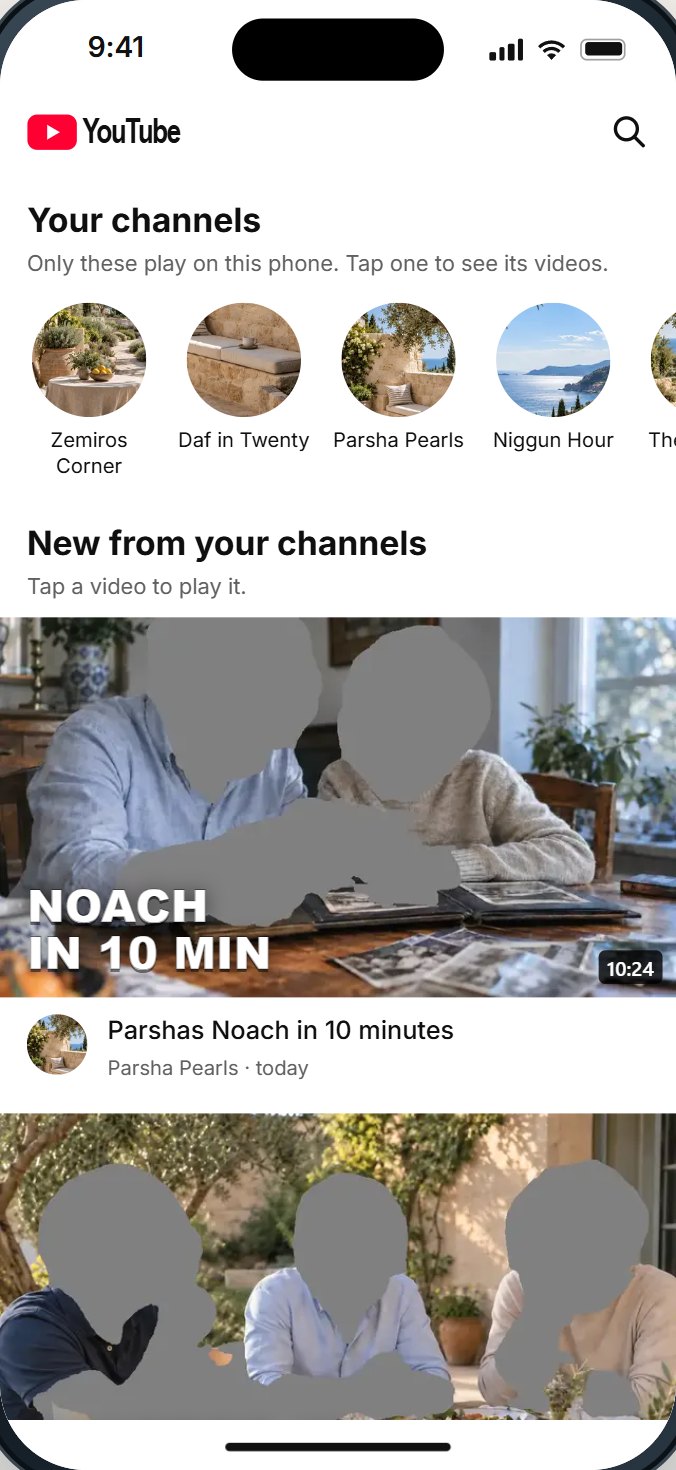
The three choices
Parents usually see this as "YouTube Kids or YouTube". There are really three choices, and the difference between them is who decides what plays.
| YouTube Kids | Regular YouTube, account a parent manages | Regular YouTube, your own list | |
|---|---|---|---|
| Who decides what plays | YouTube by age level, or you with "approve content yourself" | YouTube, by a content setting | You |
| Ages | Up to 12 | Kids under 13, and teens | Any age |
| Choose channels | Hand-pick, or block | Block | Only your channels play |
| Shorts | Its own app | A daily limit for teens, down to zero | A switch |
| Looks like | A children's app | Regular YouTube | Regular YouTube, opening to your channels |
| Where it works | In the YouTube Kids app | Where the child is signed in | Depends on the setup; ask |
YouTube Kids, up close
YouTube launched YouTube Kids in February 2015 as a separate app for children. Today a parent chooses one of four content settings:
- Preschool, for ages 4 and under.
- Younger, for ages 5 to 8.
- Older, for ages 9 to 12.
- Approve content yourself. In YouTube's words, your child "can only watch videos, channels, and collections that you've handpicked", and cannot search.
Parents can also block videos and channels. The first three settings are YouTube's judgment of what suits each age; YouTube's own family page is frank that its automatic systems are not perfect and will sometimes get things wrong. The fourth is yours.
Good for: young children, especially with content you approve yourself. Watch out for: it is a separate app, it ends at 12, and children often find that its look marks it as "for little kids" well before then.
One practical tip: approving content yourself takes an evening at the start. Sit with your child, pick a dozen channels and collections together, and add more over the following weeks. A short list chosen together is used far more happily than a long one chosen alone.
Regular YouTube on an account a parent manages
On regular YouTube, a parent can manage a child's Google account. YouTube's family page describes kid accounts for children under 13 and teen accounts for those over 13, working across the app, the website, smart TVs and game consoles.
- For kid accounts, YouTube says parents can block channels.
- For teen accounts, YouTube announced in January 2026 that parents can set a daily Shorts limit from two hours down to zero, plus bedtime and break reminders.
- What plays is still YouTube's decision, by its content setting, minus what you block.
- It works while the child is signed in to that account.
Regular YouTube with your own list
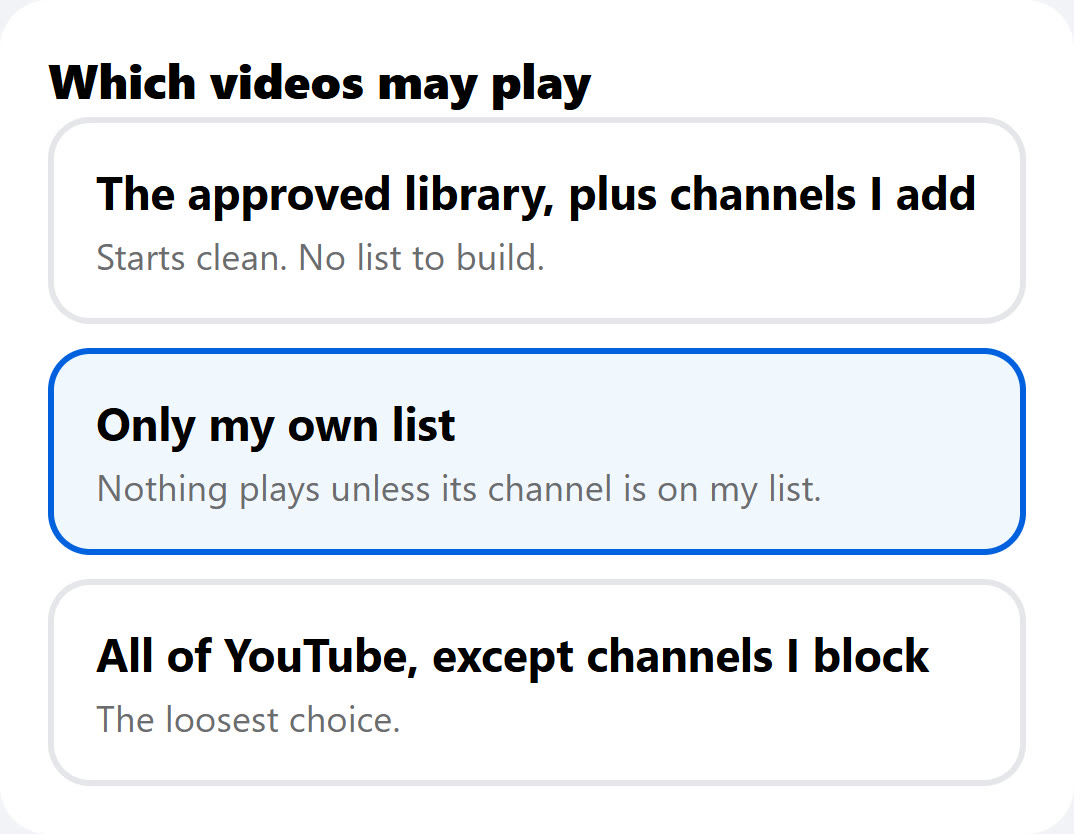
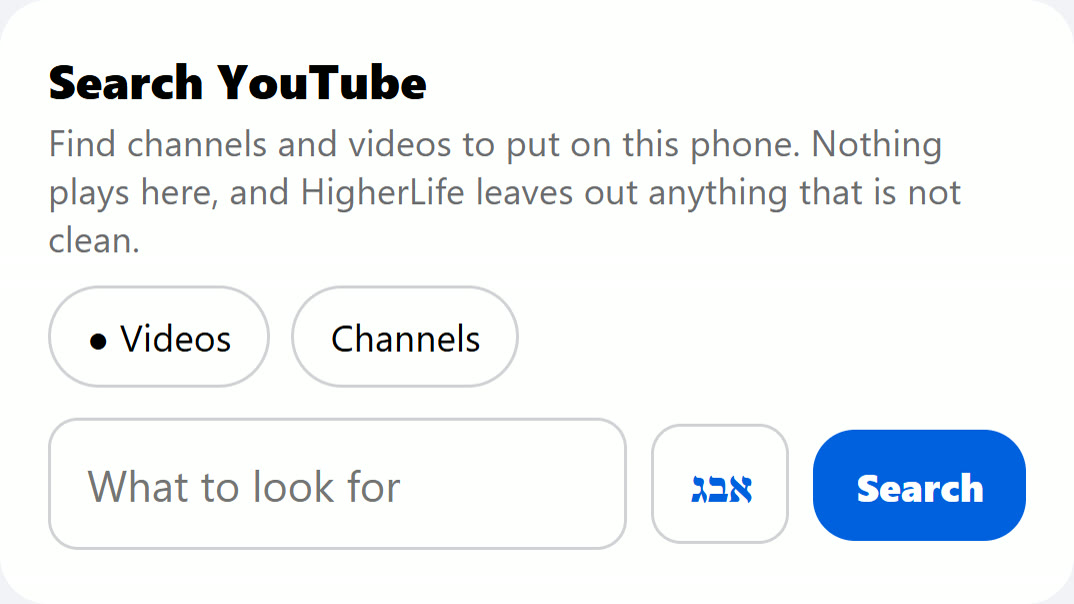
The third choice is regular YouTube where only the channels you choose play, plus any single videos you allow. It looks like YouTube, which older children accept, and the parent decides, which parents want. YouTube's own tools do not offer this on regular YouTube; it takes a setup a parent controls.
Questions to ask of any such setup:
- Does YouTube open to my channels, or to a feed?
- Can I close Shorts, the suggestions beside each video, and comments?
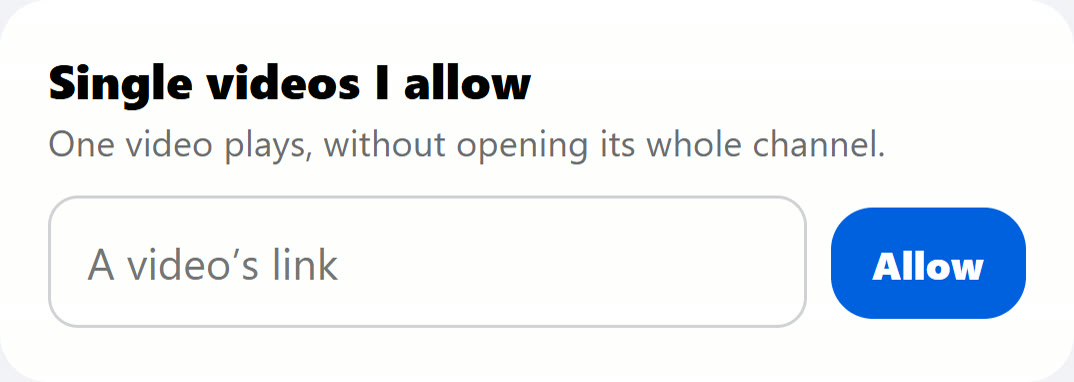
- Can I allow a single video without its whole channel?
- Do the same rules hold for YouTube videos inside other websites?
- Can my child change it, or sign in somewhere to get around it?
Which fits which age
| Age | A sensible start | Worth adding |
|---|---|---|
| Under 5 | YouTube Kids, content you approve yourself | A parent nearby; a short daily time |
| 5 to 8 | YouTube Kids, content you approve, or Younger with blocks | A short list built together |
| 9 to 12 | Your own list on regular YouTube, or YouTube Kids at Older | No Shorts, no suggestions beside the video |
| 13 and up | Your own list growing, or a teen account a parent manages with the Shorts limit at zero | Single videos allowed when needed |
When a child outgrows YouTube Kids
The move from YouTube Kids is where many families lose control, because regular YouTube is so much bigger. Pew Research Center's 2025 survey found that roughly nine in ten American teens have used YouTube, roughly three-quarters use it every day, and about one in five say they are on it almost constantly. A few things help the move go well:
- Bring the list with you. The channels a child loved in YouTube Kids can be the first channels on their own list.
- Open regular YouTube to their channels, not a feed. First impressions set habits.
- Keep Shorts and the suggestions closed. They are the parts YouTube Kids never had.
- Grow the list together. A child who helps choose is a child who keeps to it.
Agree on these before the first video
Whichever choice you make, the settings work best when a few simple rules come with them. Families who describe YouTube going well usually agreed on these out loud.
- Where YouTube is watched. In the living room, on a screen others can see, is easier than alone in a bedroom.
- When. After homework, not at the Shabbos table, not after bedtime. Write the hours down.
- How a new channel gets added. The child asks, you watch a few of its videos together, and you decide.
- What to do when something feels wrong. Close it and tell a parent, without fear of losing YouTube for doing so.
- What happens as they grow. The list grows, the rules loosen, step by step, as trust grows.
Revisit the rules at set times, such as a birthday or the start of the school year, rather than in the middle of an argument. A change made calmly, on a known date, is a change a child can look forward to instead of fight for.
A child who knows the rules and helped make them is the strongest protection there is. The settings simply hold the line on the days that is hard.
Questions people ask
What age is YouTube Kids for?
YouTube's levels are Preschool (4 and under), Younger (5 to 8) and Older (9 to 12), plus a setting where you approve everything yourself.
Is YouTube Kids safe?
With content you approve yourself, it is the most closed of YouTube's own options. With the age levels, YouTube decides, and its own family page says its systems are not perfect.
Can I choose exactly which videos my child watches?
In YouTube Kids, yes: approve content yourself and only your picks play. On regular YouTube, YouTube's own tools let you block rather than choose; a setup a parent controls can play only your list.
At what age should my child move to regular YouTube?
YouTube Kids ends at 12, and many children want regular YouTube from about nine. Move with your list, with Shorts and the suggestions closed, and grow it together.
Does YouTube Kids have Shorts?
YouTube Kids is its own app, built for children. With content you approve yourself, only your picks play. On regular YouTube, Shorts are part of the app unless a setup closes them.
Can my child search on YouTube Kids?
With content you approve yourself, no: YouTube says the child cannot search. At the age levels, search can be turned on or off.
Do I need a Google account for my child?
A managed account needs one. A setup that keeps YouTube signed out and plays only your list does not need the child to have an account at all.
Can my child use YouTube Kids and regular YouTube at the same time?
They can, which is why it helps to decide one road per child. If a child has YouTube Kids for the little videos and regular YouTube open for everything else, the careful setting in YouTube Kids does not reach the rest.
What is the minimum age for regular YouTube?
YouTube's terms say 13, and that children of all ages may use YouTube and YouTube Kids where available if a parent or guardian enables it.
Sources
- YouTube Kids Help, Content settings: Preschool, Younger, Older, approving content yourself; no search.
- YouTube, YouTube for families: ages for each level; blocking videos and channels; kid and teen accounts a parent manages; TVs and consoles.
- YouTube Official Blog, February 2015 posts: introducing YouTube Kids (February 23, 2015).
- CNN, via KVIA, YouTube will let parents stop their teens from endlessly scrolling short videos (January 14, 2026).
- YouTube, Terms of Service: age requirements.
- Pew Research Center, Teens, Social Media and AI Chatbots 2025: YouTube use among US teens.
- YouTube Help, Turn Restricted Mode on or off.