How to Use YouTube Without Shorts on iPhone
On most accounts, YouTube itself has no switch that removes Shorts. Its menus let you ask to see fewer. The one exception: parents who manage a teen's Google account can set the teen's daily Shorts limit to zero. For anyone else on an iPhone, YouTube without Shorts takes a setup from outside the app that closes them, while the videos you chose keep playing.
What Shorts are, and why people want them gone
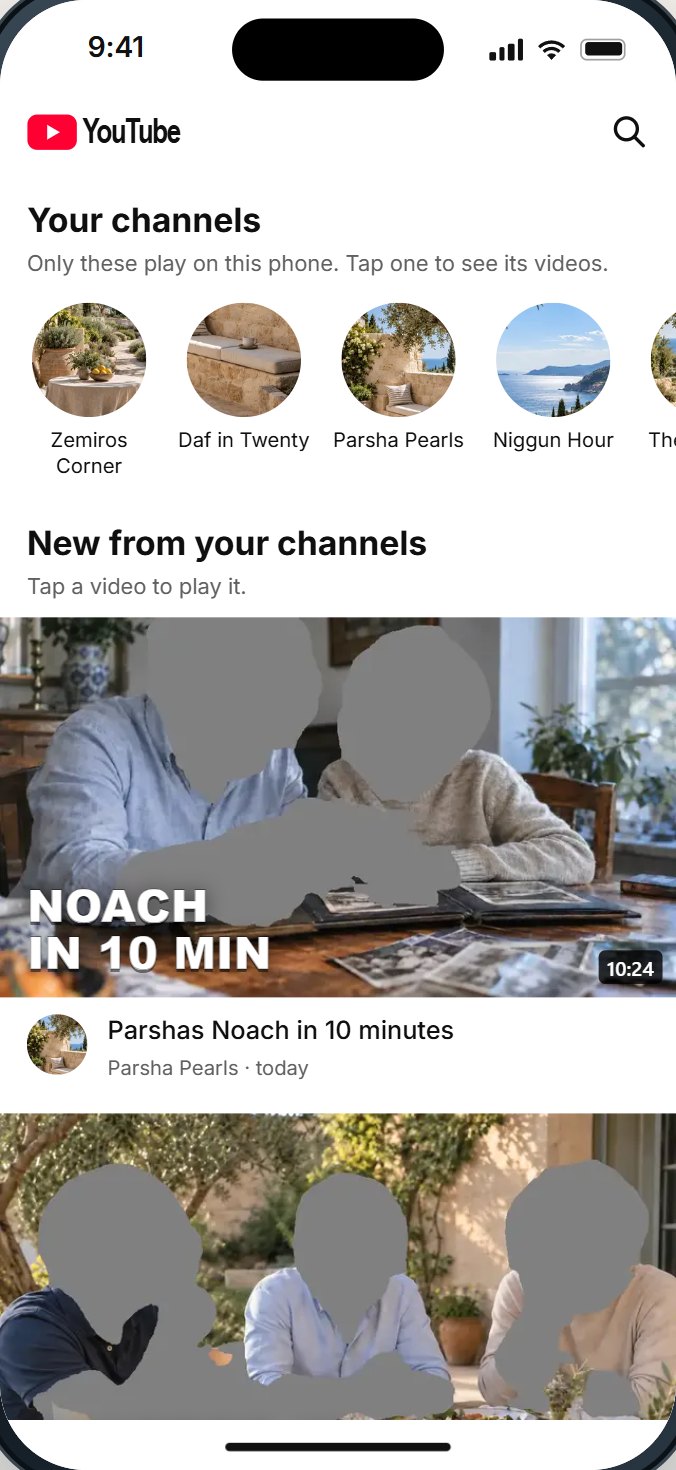
Shorts are YouTube's short vertical videos, watched one after another with a swipe. YouTube tested them in India in 2020 and brought them to the United States as a beta on March 18, 2021. Today they sit on YouTube's home screen, in their own tab, in search results and on channel pages.
People who keep YouTube for shiurim, music or how-to videos often say Shorts are the part they want gone. The reason is simple: a long video ends, and you choose what comes next. A Short never really ends; the next one is already playing. CNN's report on YouTube's own parental tools in January 2026 put the worry plainly in its headline: parents want to "stop their teens from endlessly scrolling short videos".
It is not only parents. Adults who use YouTube for work or learning ask the same question for themselves: how do I keep the videos I need without the feed that takes the evening?
Where Shorts appear
Closing Shorts means closing them in every place they show up, not just one.
- The Shorts tab at the bottom of the YouTube app.
- A row of Shorts on the home screen, between regular videos.
- Search results, mixed in with regular videos.
- Channel pages, where many channels post Shorts beside their long videos.
- YouTube in a web browser, where Shorts appear as well.
- Links: a Short sent in a chat opens straight into the Shorts player.
What you can do today, honestly rated
| Way | What it does | What it leaves |
|---|---|---|
| Ask YouTube for fewer Shorts in its menus | Hides a shelf of Shorts | Shorts come back, and the tab stays |
| Watch YouTube signed out | No history, no personal feed | Shorts are still there |
| A managed teen account with the Shorts limit at zero | The Shorts feed locks | Only for teens a parent manages, and only while signed in to that account |
| Screen Time limit on the YouTube app | Limits the whole app | Cannot tell Shorts from a shiur |
| Unofficial YouTube apps that promise "no Shorts" | Varies | They are not YouTube's; you trust them with your account and your phone. We do not recommend them |
| A setup a parent controls, with a Shorts switch | Shorts closed in every place they appear | Ask who can turn it back on |
The Shorts limit for teens
In January 2026, YouTube announced a new control for parents who manage a teen's Google account: a daily limit on Shorts, set anywhere "ranging from two hours to zero minutes". At zero, Shorts are blocked. YouTube's example was zero during homework time and an hour on a long car trip. Fox News reported that once the limit is reached, the Shorts feed locks and unlocks again the next day.
It is a real step. Its limits are worth knowing:
- It covers teen accounts a parent manages, not adults and not younger children's accounts.
- It works while the teen is signed in to that account. YouTube signed out, or another account, is outside it.
- It sets time on Shorts. It does not choose which channels play.
What the iPhone can and cannot do
Apple's Screen Time works on apps and websites as a whole. It can limit the YouTube app's daily time, close it at night, or block youtube.com in Safari. It cannot look inside YouTube to close Shorts and leave regular videos open. If you set a limit, turn on blocking at the end of it: Apple notes that, by default, Screen Time limits can be ignored once reached.
That is why "YouTube without Shorts on iPhone" is a different question from "less YouTube on iPhone". For less YouTube, Screen Time is enough. For YouTube without Shorts, the closing has to happen where YouTube's pages are drawn.
Close the other endless parts too
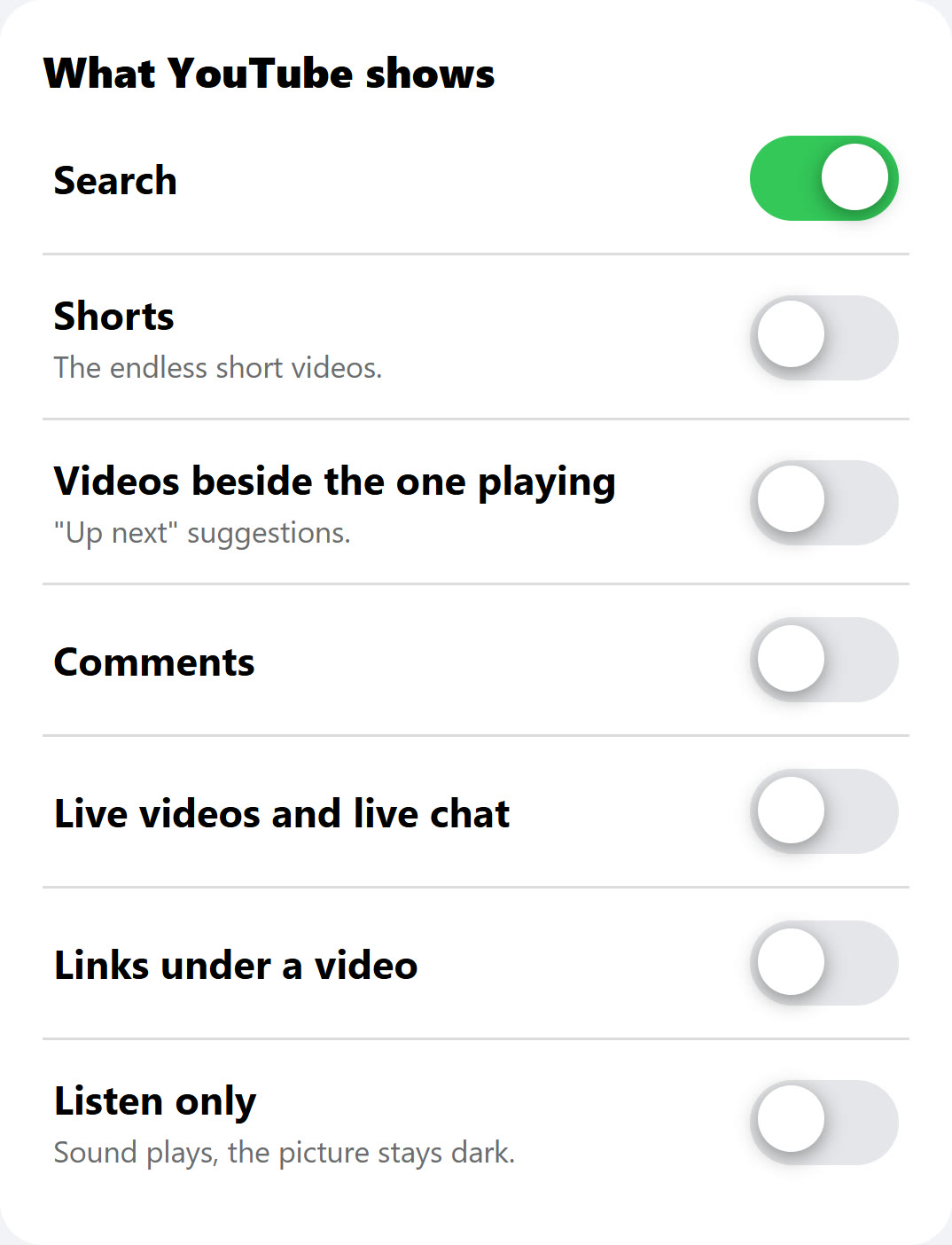
Shorts are the most famous endless part of YouTube, but not the only one. If the goal is YouTube you can close, look at these too:
- The videos beside the one playing. The "up next" list is where one video becomes the next.
- The home screen feed. Best replaced with your own channels and their newest videos.
- Autoplay. YouTube can start the next video on its own.
- Live videos. They do not end when you expect.
Rebuild YouTube around what you came for
Closing Shorts works best as part of a simple plan: decide what YouTube is for in your home, then shape it around that.
- Write down why you open YouTube. A daf shiur, music for Shabbos, a cooking channel, fixing things. Most people's list is short.
- Turn that list into channels. Find the five or ten channels that cover it. Those are the channels that should play.
- Make the first screen yours. Your channels and their newest videos, instead of a feed chosen for you.
- Close the endless parts. Shorts, the "up next" list, autoplay and live videos.
- Allow single videos when you need one. A one-off how-to does not need a whole new channel.
Families who do this describe YouTube going from a place you lose an evening to a shelf you take one thing from.
Questions people ask
Can you turn off Shorts on YouTube?
On most accounts, YouTube has no switch that removes them; its menus let you ask for fewer. Parents who manage a teen's account can set the teen's Shorts limit to zero. A setup from outside the app can close Shorts for anyone.
How do I block YouTube Shorts on my child's iPhone?
For a teen account you manage, set the Shorts limit to zero. Screen Time can only limit or block the whole YouTube app. To close Shorts and keep the rest of YouTube, you need a setup a parent controls.
Is there a YouTube app without Shorts?
YouTube does not make one. Be careful with unofficial apps that promise it: they are not YouTube's, and you trust them with your account. HigherLife's Filtered YouTube has a Shorts switch a parent sets.
Does YouTube in Safari have Shorts?
Yes. YouTube in a web browser shows Shorts too, so closing the app alone does not close them.
Does the Shorts limit work for adults?
YouTube announced it for teen accounts a parent manages. For your own account, YouTube's menus let you ask for fewer Shorts, not none.
Will closing Shorts close regular videos from the same channel?
It should not. A channel's long videos and its Shorts are different things. A good setup closes the Shorts and keeps the channel's regular videos playing.
If Shorts are off, can a Short sent in a chat still play?
Ask any setup this exact question. A link to a Short opens straight into the Shorts player, so a good setup closes it there too.
Sources
- Tubefilter, YouTube launches Shorts beta in U.S. (March 18, 2021): Shorts "is rolling out today in the U.S. via a beta test."
- Search Engine Journal, YouTube Shorts launching in the USA in March (2021): the test in India from September 2020.
- CNN, via KVIA, YouTube will let parents stop their teens from endlessly scrolling short videos (January 14, 2026).
- Fox News, YouTube lets parents limit or block Shorts for teens (January 30, 2026): the feed locks at the limit and unlocks the next day.
- YouTube, YouTube for families: teen accounts a parent manages.
- Apple, Set schedules with Screen Time (iPhone User Guide): limits can be ignored once reached by default.
- Pew Research Center, Teens, Social Media and AI Chatbots 2025.