A Safe Browser for iPhone: What to Look For
A safe browser on an iPhone keeps the web useful and keeps out what you would rather not see, on its own, without you watching. Apple's Safari with Screen Time can limit adult websites or allow only websites you approve. What a kosher browser adds is a page-by-page answer: searches that are never sent, pictures shaded, the rest of a good site left open, and settings the person holding the phone cannot change.
What Safari and Screen Time already do
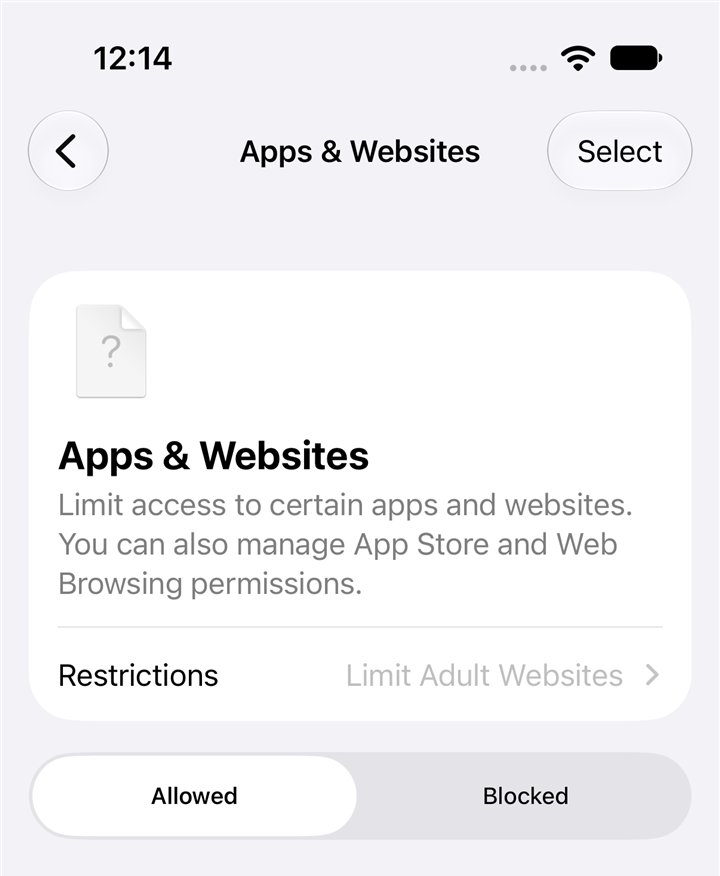
Every iPhone already has a browser, Safari, and Apple's Screen Time can shape it. In iOS 27 Apple redesigned these controls. For websites, there are three choices, in Apple's words: "access to all websites except detected adult websites (Limit Adult Websites), or only allow the websites you approve (Approved Websites Only)", plus no limit at all.
- Limit Adult Websites. On by default for children with a Child Account under 18, Apple says.
- Approved Websites Only, with Ask to Browse. On by default for children with a Child Account under 13. The child asks; the parent approves. Apple says Ask to Browse works "in Safari and other supported browser apps".
- Blocked and allowed lists. Apple describes Apps and Websites settings as letting you "manually allow or block access to specific apps and websites in Safari".
- Screen Time Schedules and Time Allowances (Downtime and App Limits in iOS 26 and earlier) set when and how long apps open.
Every family should set these. They are free, and for a young child with Approved Websites Only they are a strong start.
What they leave open
Apple's choices work at the level of a whole website. That leaves gaps families run into quickly.
- Limit Adult Websites decides by site, by Apple's detection. Apple's own words are "detected adult websites". Pictures on ordinary sites, such as news, shopping and social pages, are not its job.
- Approved Websites Only is safe and narrow. For a teenager or an adult who needs the web for school and work, a short list of approved sites quickly feels like no web at all.
- A search can still be sent. Website limits decide which sites open, not what a person types into a search box.
- Whoever knows the Screen Time passcode can change everything. On an adult's own phone, that is usually the adult. Apple also notes that, by default, Screen Time limits can be ignored once reached.
What a safe browser should do
When families describe the browser they want, the same wishes come back. These are worth looking for in any kosher browser.
- A search for the wrong thing is never sent. Not "the results are hidden afterwards": the words never leave the phone.
- The page decides, not only the site. A news site stays open; the one page on it that is not okay does not.
- Pictures are shaded on ordinary sites, so a good page stays usable.
- Videos wait for a tap, instead of playing by themselves.
- The settings hold. The person holding the phone cannot switch the protection off.
- One place for a parent to see each phone and change its level.
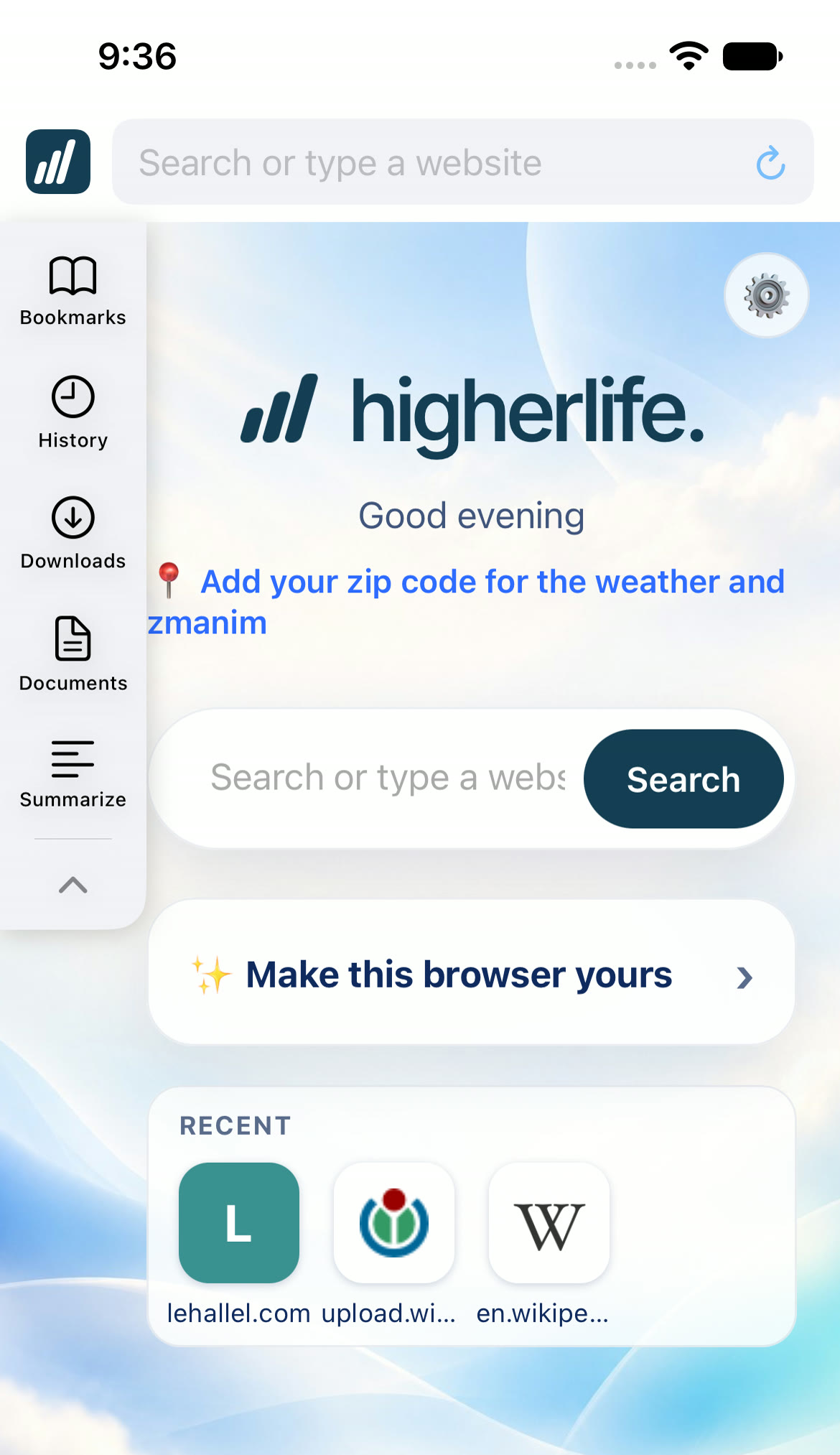
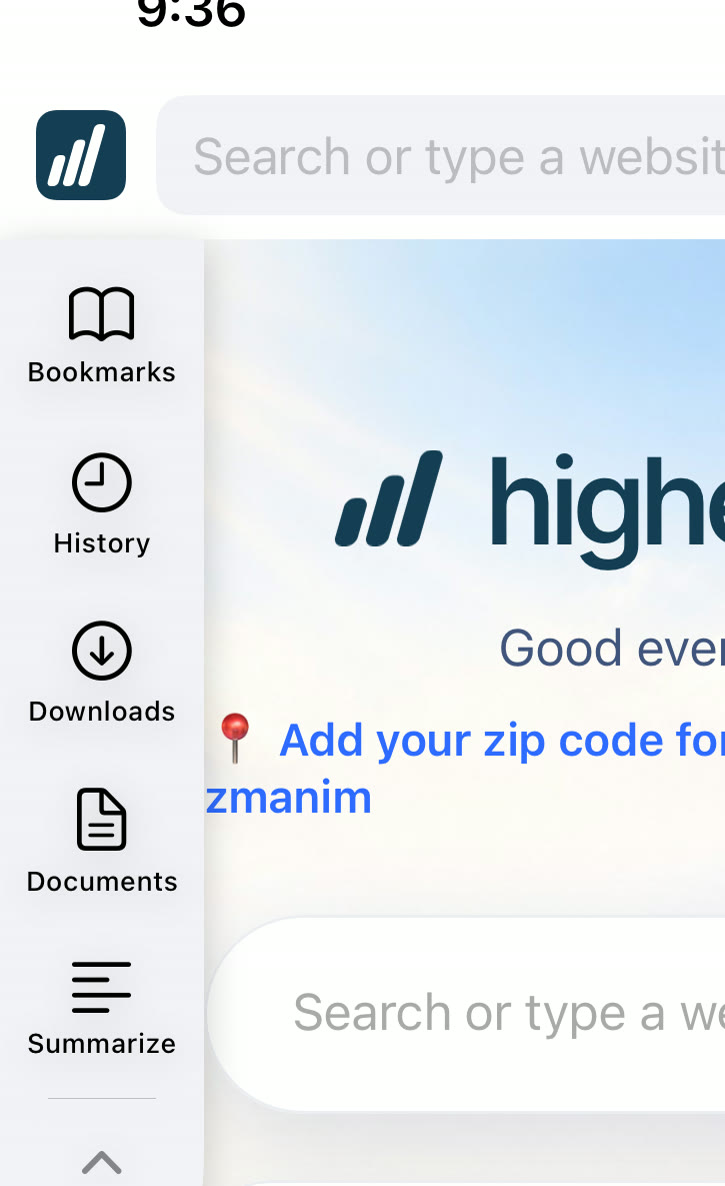
- Useful tools stay useful. Bookmarks, history, downloads, documents, and help reading a long page.
The safe browser checklist
Ask any store or service these questions, and ask to see the answers on a real phone.
| Ask | A good answer |
|---|---|
| 1. What happens when someone searches for something adult? | The search is never sent; the browser answers with its own page. |
| 2. Does it decide by site, or by page? | By page, so useful sites stay open. |
| 3. What happens to pictures on ordinary sites? | They are shaded, and the page stays readable. |
| 4. Do videos play by themselves? | No; they wait for a tap. |
| 5. Can the person holding the phone turn it off? | No. |
| 6. What about Safari and other browsers on the phone? | Closed, so the safe browser is the browser. |
| 7. Who can change the level, and from where? | A parent or the account holder, from their own page. |
| 8. What does the company see? | A plain answer, in writing. |
| 9. Does it still get updates? | Yes, on its own, for every phone. |
| 10. What happens when something slips through? | A person to call, and a fix for everyone. |
Other browsers on the same phone
A safe browser only helps if it is the browser. If Safari, or another browser from the App Store, is still open on the same phone, the safe one is simply skipped. Apple's Screen Time can stop new apps being installed; ask any service how it handles Safari and other browsers, and whether the answer holds when the person holding the phone tries.
Remember too that many apps open web pages inside themselves. Ask how those are handled.
The simplest test is your own: hand the phone to someone, ask them to find another way onto the open web, and watch. A good setup leaves them with one browser, the safe one.
Which setting fits which person
| Who | A sensible start |
|---|---|
| A young child | Safari with Approved Websites Only and Ask to Browse, or no browser at all |
| An older child or teen | A safe browser that decides by page, with pictures shaded and other browsers closed |
| An adult who wants a standard that holds | A safe browser whose settings someone else holds |
| An adult who wants a light touch | Safari with Limit Adult Websites and a passcode a spouse keeps |
What no browser can do
- It cannot replace the home. A browser keeps out what it can; the habits around the phone matter more. Phones out of bedrooms at night and off the Shabbos table do more than any setting.
- It cannot make someone want it. A teenager who feels watched looks for a way out. Decide together, explain why, and loosen step by step.
- It cannot answer halachic questions. Ask your rav what your home should keep, then set the phone to match.
- It cannot be perfect. Be wary of any promise that it is. Ask what happens when something slips through, who you call, and how quickly it is fixed for everyone.
Questions people ask
Is Safari a safe browser for an iPhone?
Safari itself is a well-built, secure browser. What it shows depends on Screen Time: Limit Adult Websites decides by Apple's detection of adult sites, and Approved Websites Only allows only sites you approve.
What is a kosher browser?
A browser set up so the web stays useful and what a family would rather not see stays out, page by page, with pictures shaded and searches for adult content never sent. It is not a hechsher; ask your rav what your home should keep.
What is the safest browser for a child's iPhone?
For a young child, Safari with Approved Websites Only and Ask to Browse is very closed. For an older child, a safe browser that decides page by page keeps school and news sites open while keeping the rest out.
Can my child just use another browser?
If other browsers can be installed or Safari is open, yes. Screen Time can stop installing apps. Ask any service how Safari and other browsers are handled.
Does Limit Adult Websites cover pictures on ordinary sites?
Apple describes it as limiting "detected adult websites". Pictures on ordinary sites such as news and shopping pages are not what it decides.
Do safe browsers slow the phone down?
They should not be noticeably slower. Ask to try one on a real phone with the sites you use every day.
Does a safe browser work inside apps?
Many apps open web pages inside themselves. Ask any service how those pages are handled; the answer differs from one to the next.
Can an adult use a safe browser by choice?
Many do. The point is a standard that holds on a hard day, which is why some adults ask a spouse or a service to keep the settings.
Sources
- Apple, Block or allow access to apps and websites on your child's device: Limit Adult Websites, Approved Websites Only, and their defaults.
- Apple, Set up parental controls to manage your child's iPhone or iPad (iOS 27): Ask to Browse "in Safari and other supported browser apps".
- Apple, What's new with parental controls: redesigned in version 27.
- Apple, Set Schedules and Time Allowances (iPhone User Guide, iOS 27).
- Apple, Set schedules with Screen Time (iOS 26): "By default, Screen Time limits can be ignored once reached."
- Apple, Create, change, or remove a Screen Time passcode.
- Pew Research Center, Teens, Social Media and AI Chatbots 2025: 97% of US teens use the internet daily.